The Rise of AI Video Editors: Transforming Content Creation and Workflow Efficiency

The proliferation of video content across digital platforms has dramatically reshaped the landscape of online communication and marketing, driving an unprecedented demand for efficient and accessible video editing solutions. As individuals and businesses increasingly turn to video as a primary format for engagement, the traditional complexities and time commitment of post-production have become a significant bottleneck. This challenge has fueled the rapid innovation within artificial intelligence, leading to the emergence of sophisticated AI video editors that promise to democratize video creation and streamline workflows. A recent independent evaluation of seven leading platforms reveals a burgeoning market categorized by two distinct approaches: AI-enabled editors, which augment existing tools, and AI-led editors, designed to automate the entire process based on natural language instructions.

The Evolution of Video Production Challenges
For many content creators, the journey into video production begins with an enthusiasm often tempered by the steep learning curve of technical execution. The initial hurdles of camera setup, coherent on-camera delivery, and mastering rudimentary filming techniques are just the prelude to the most formidable obstacle: editing. Historically, video editing has been a highly specialized skill, demanding proficiency in complex software, a keen eye for detail, and significant time investment. Even for experienced editors, repetitive tasks like generating captions, cutting filler words, or cleaning up background noise can be monotonous and time-consuming. This labor-intensive nature has traditionally limited high-quality video production to well-resourced teams or individuals with extensive training.
The landscape, however, began to shift noticeably around 2023, coinciding with the explosive growth of short-form video platforms like TikTok, Instagram Reels, and YouTube Shorts. This period saw a massive influx of new creators, many of whom lacked formal editing training but possessed a strong desire to produce engaging content consistently. Industry data from sources like Statista indicate that the global video content market continues to expand rapidly, with projections estimating billions in revenue by the end of the decade, largely driven by digital advertising and user-generated content. This burgeoning market underscored the urgent need for tools that could bridge the gap between creative vision and technical execution, particularly for individuals operating without dedicated editing support. The advent of AI video editors represents a pivotal moment in addressing this demand, offering solutions that promise to reduce editing time and enhance output quality without requiring extensive manual intervention.
Categorizing AI Video Editors: A Dual Approach
The current ecosystem of AI video editing tools can be broadly divided into two primary categories, though some platforms exhibit features from both, forming a dynamic Venn diagram of capabilities. Understanding this distinction is crucial for creators seeking the most appropriate tool for their specific needs.
-
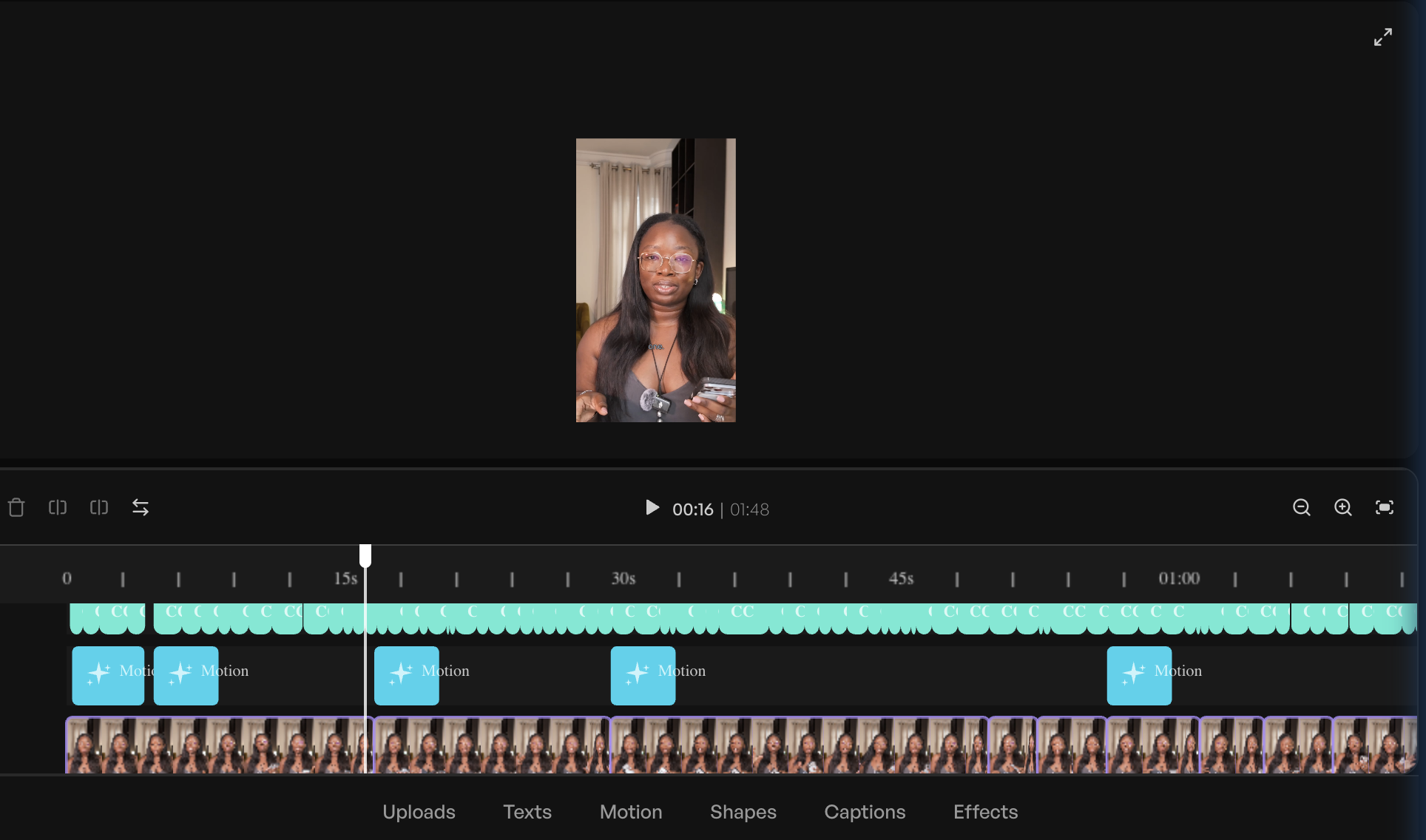
AI-Enabled Editors: These are traditional video editing software solutions that have integrated AI features to assist and accelerate specific tasks. Users still primarily control the editing timeline, but AI augments their workflow by automating repetitive or complex functions. Examples include generating accurate captions, intelligently removing filler words and long silences, cleaning up audio background noise, reframing horizontal footage for vertical social media feeds, and even suggesting cuts or transitions. Platforms like CapCut, Adobe Express, and Veed exemplify this category. They are ideal for creators who possess a foundational understanding of video editing or are willing to learn, as they significantly boost efficiency within a familiar editing environment. Industry analysts often highlight these tools as key enablers for content creators, citing studies that suggest AI features can reduce editing time by 20-30% for routine tasks.
-
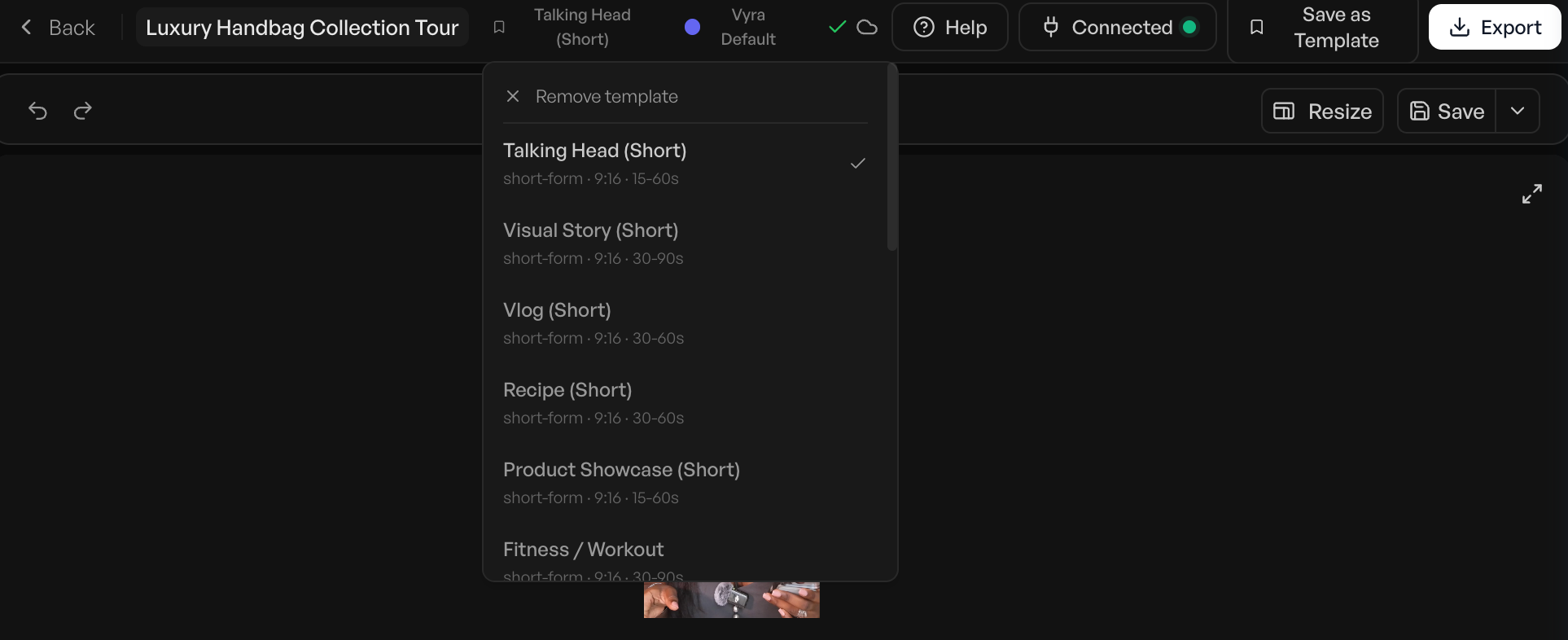
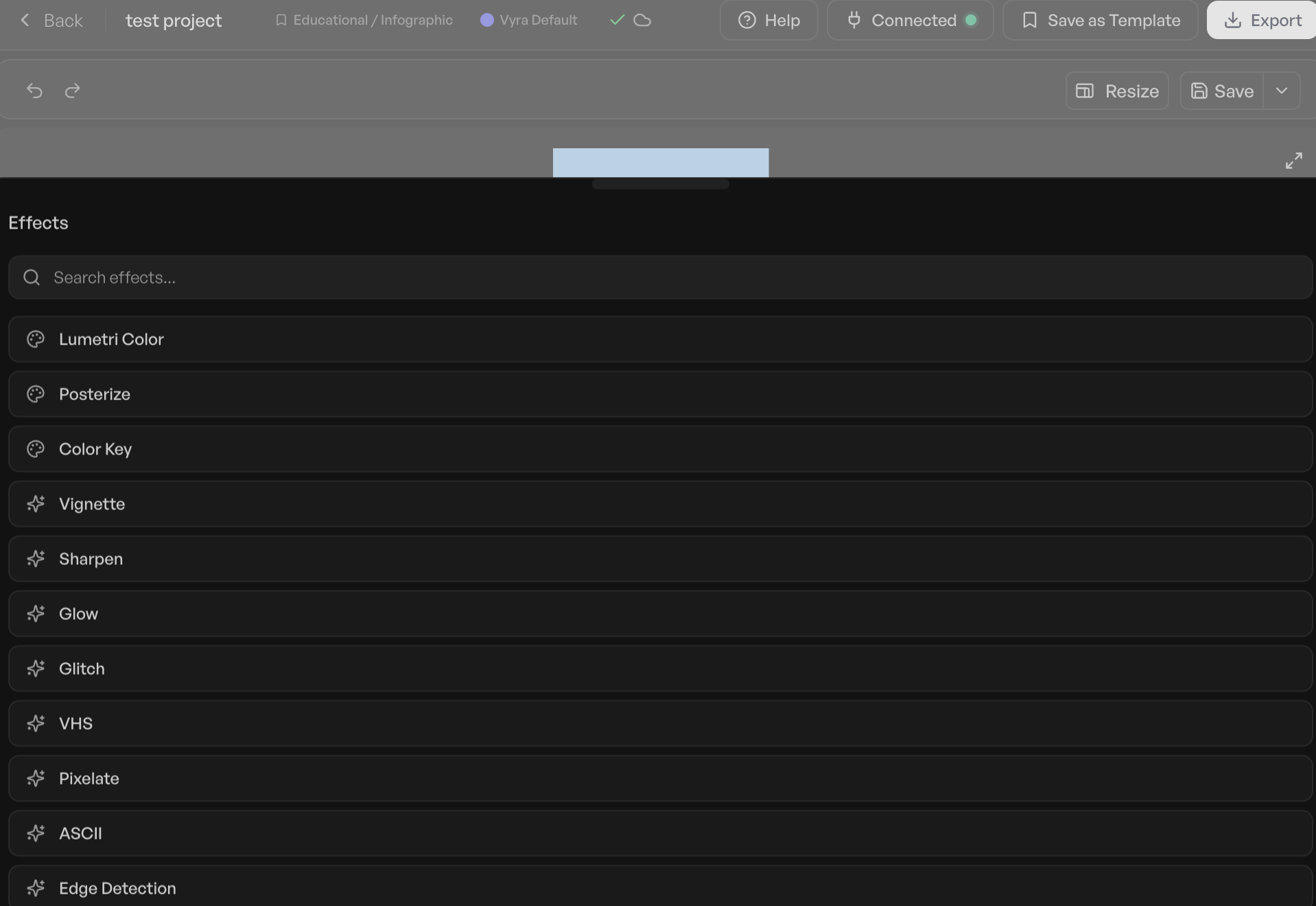
AI-Led Editors: Representing a more hands-off approach, AI-led editors take charge of the actual editing process based on plain-language instructions provided by the user. The creator describes their desired outcome – for instance, "cut the pauses, caption this, and pull the best 30 seconds for a reel" – and an AI agent executes the edit. The user then reviews the AI-generated rough cut, makes any necessary adjustments, and exports the final product. Vyra is a prime example of a platform built from the ground up with this agentic design philosophy. OpusClip, while specializing in repurposing long-form content into short clips, also operates on this principle, leveraging AI to identify engaging moments for social media without direct timeline manipulation by the user. These tools are particularly beneficial for those whose primary bottleneck is time or whose skill level lags behind their creative aspirations, offering a pathway to significantly increased output.
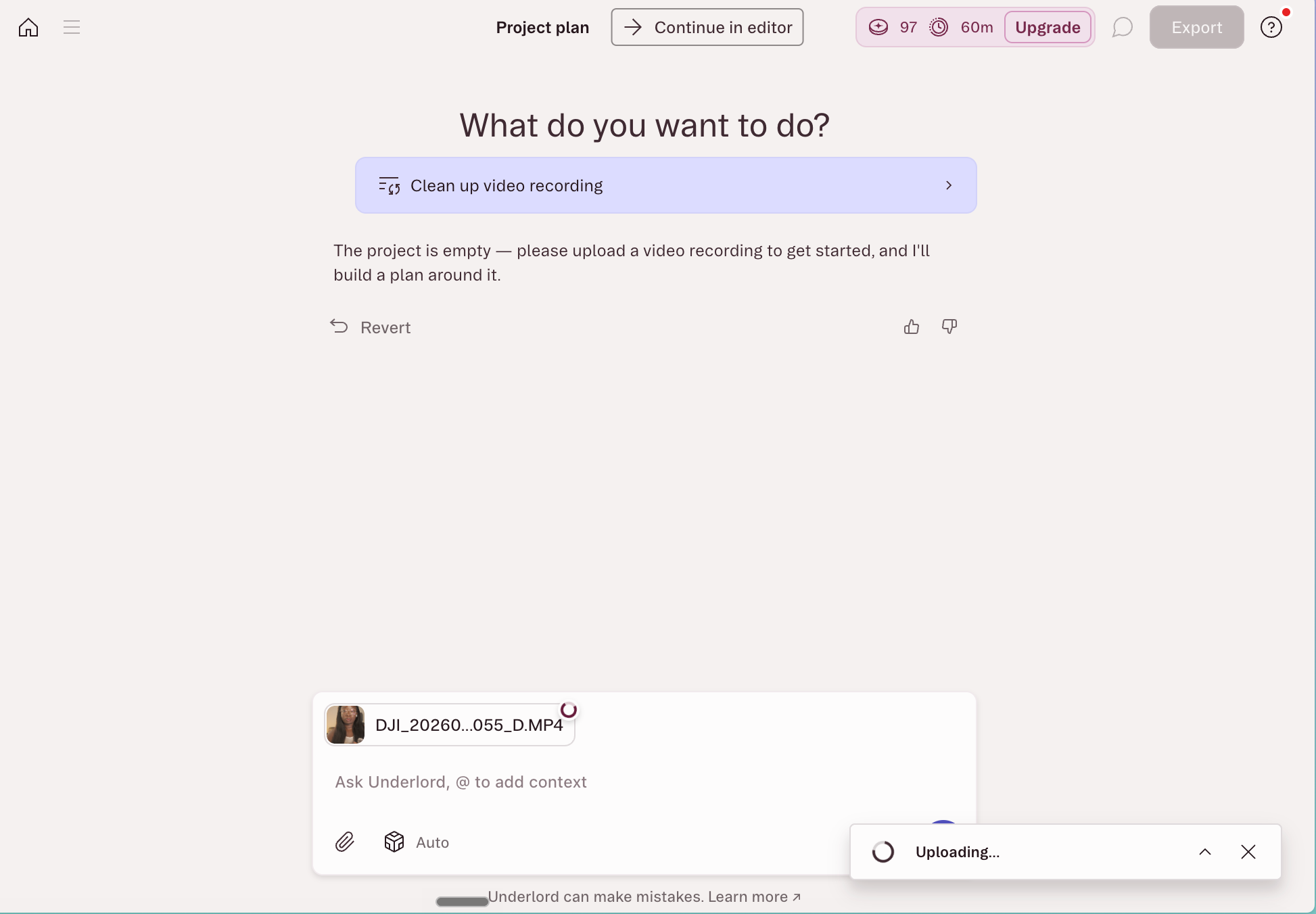
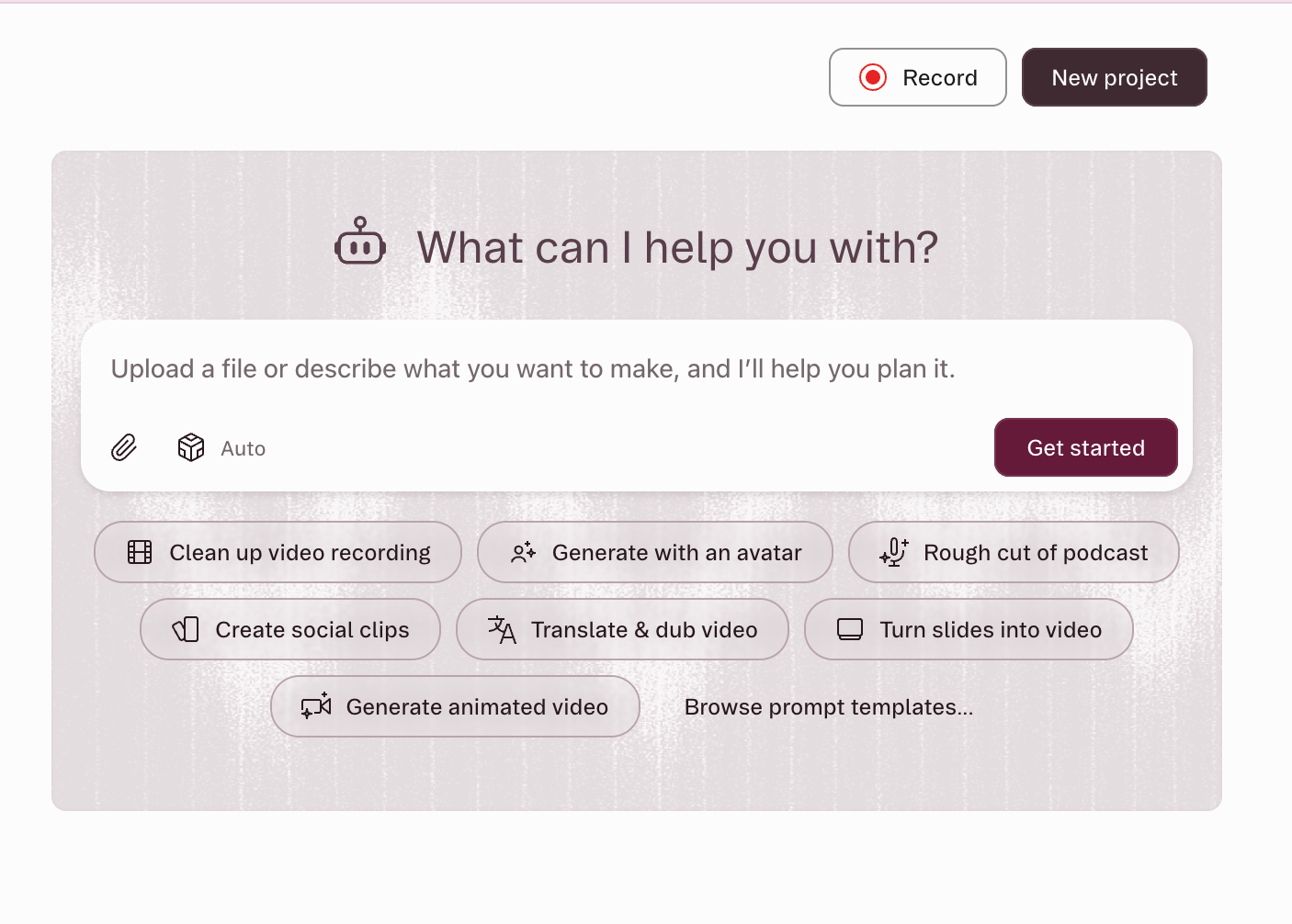
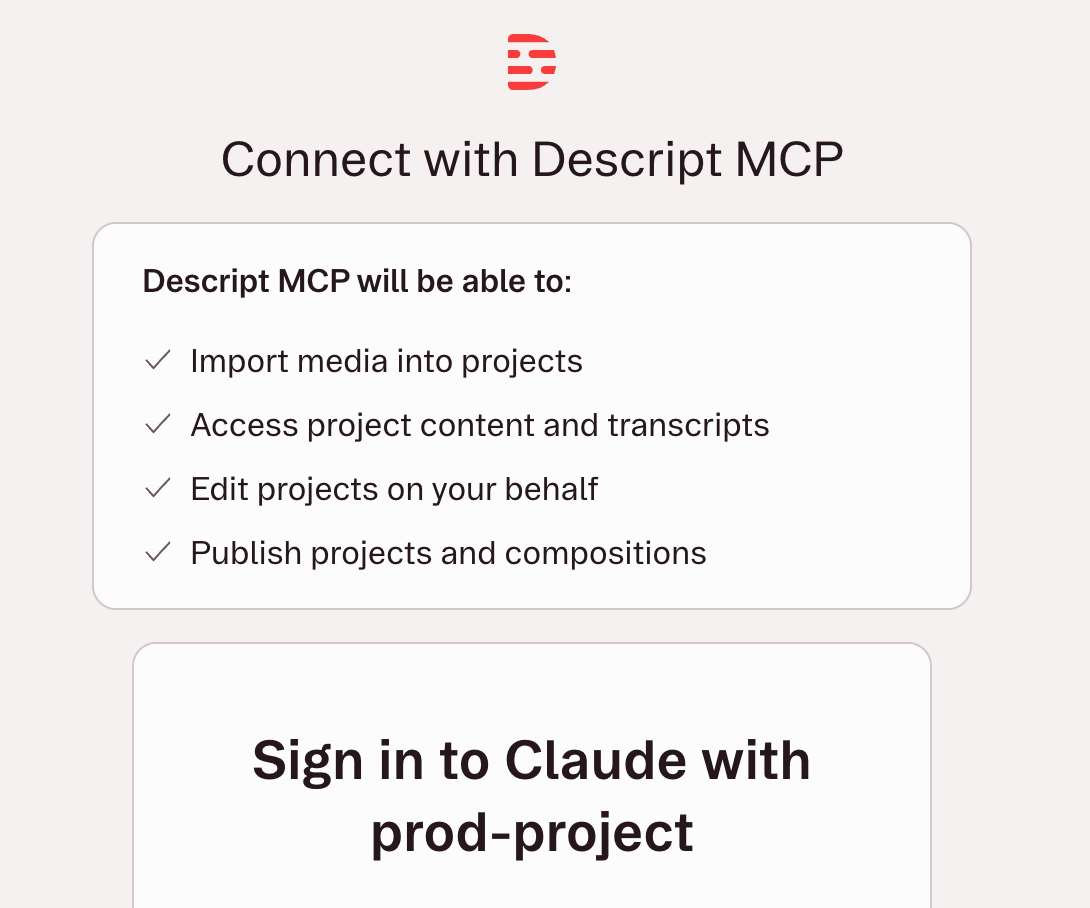
A notable area of overlap is exemplified by Descript, a transcript-based editor that combines elements of both. Its core functionality allows users to edit video by manipulating text in a transcript, effectively deleting sentences to remove corresponding footage. Descript also features an in-app AI co-editor called Underlord, capable of handling multi-step requests like filler removal and sound cleanup. Furthermore, as of May 2026, Descript supports the Model Context Protocol (MCP), allowing external AI assistants like Claude or ChatGPT to connect directly to its hosted server, import media, run edits, and export videos without the user ever opening the Descript application. This MCP standard, a significant development in AI integration, facilitates a seamless, chat-window-driven editing experience, enabling users to direct complex video tasks through conversational prompts.
Key Findings from Independent Testing
An independent evaluation put several of these AI video editors through their paces, using a consistent talking-head clip and a standardized editing brief to assess their performance. The objective was to determine which tools could meaningfully contribute to a creator’s workflow, particularly in reducing the struggle associated with post-production.
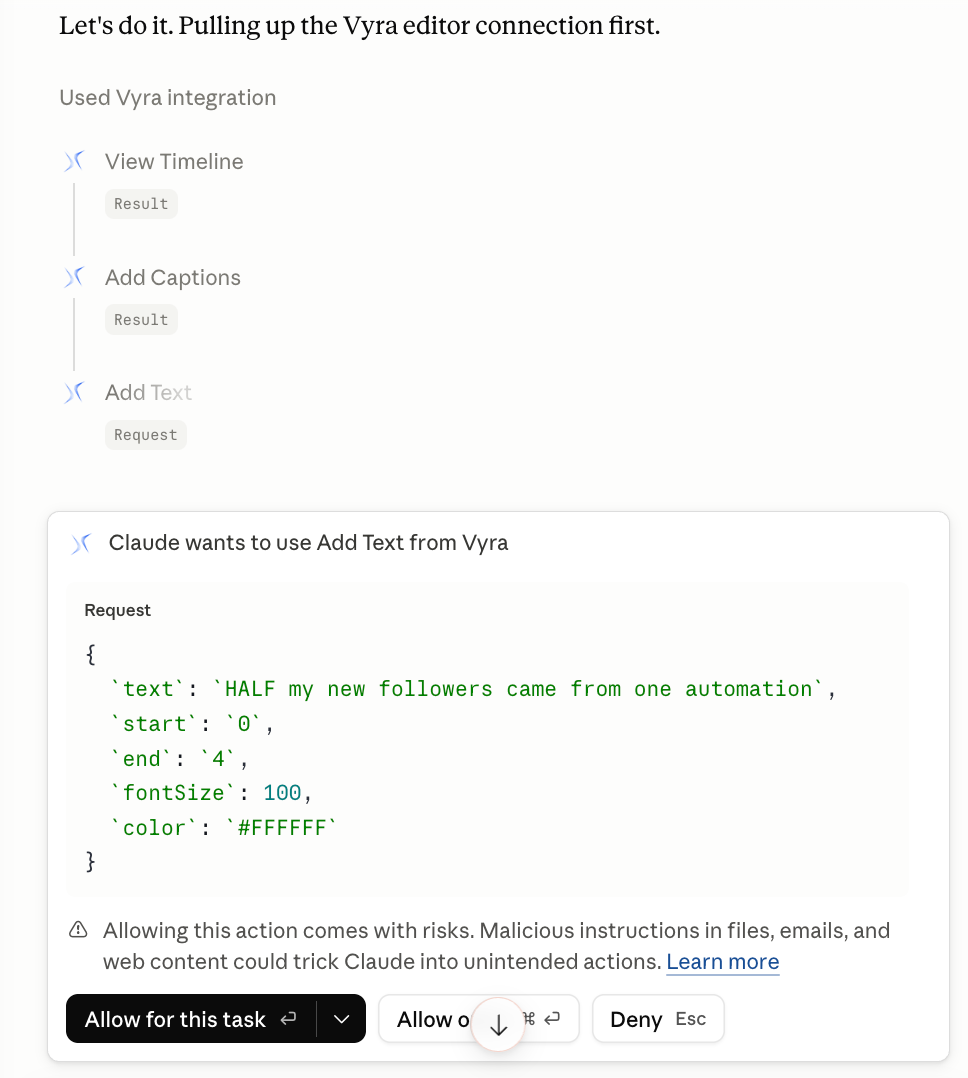
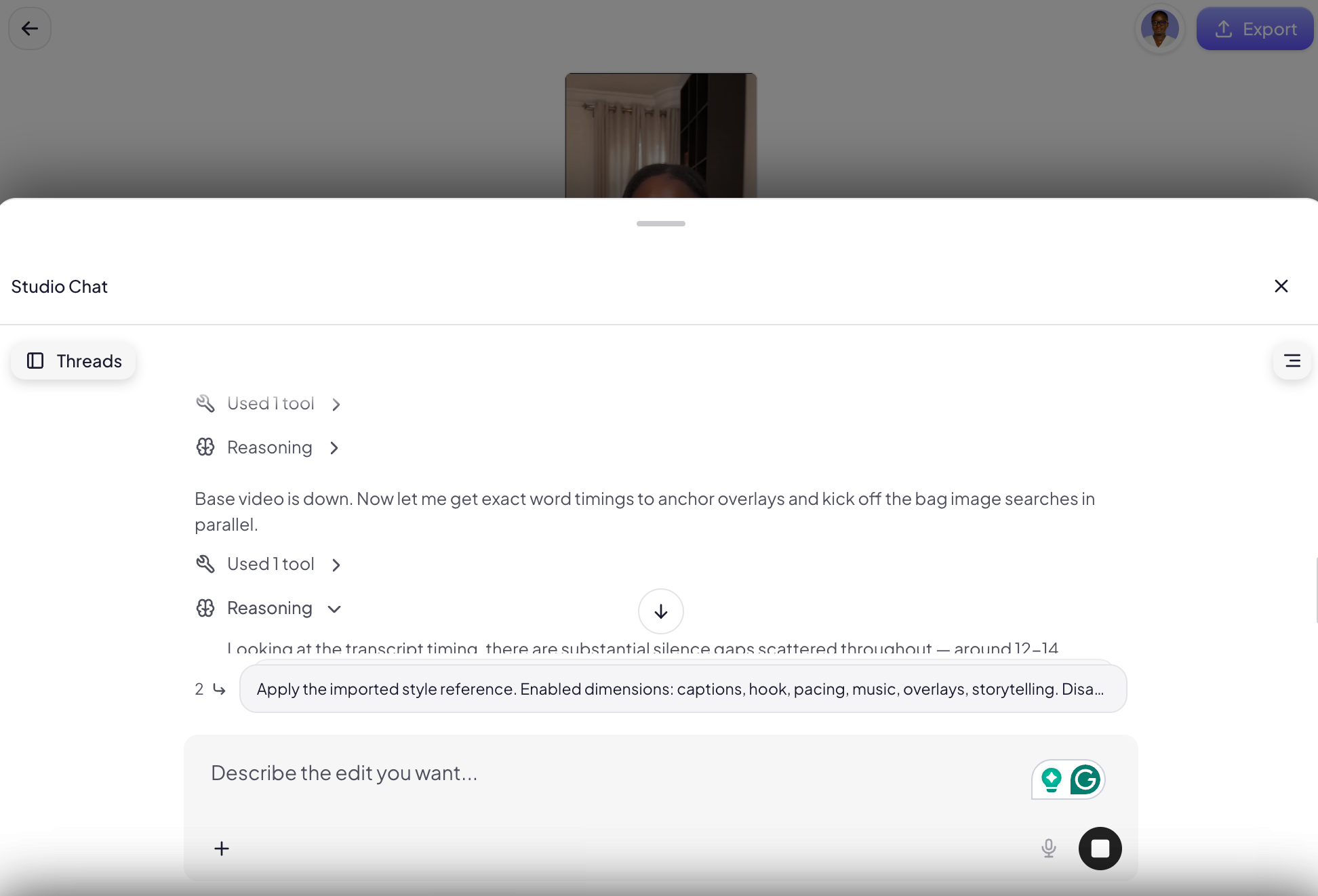
Among the AI-led platforms, Vyra emerged as a particularly strong performer. Built inherently around an AI-first chat interface, Vyra analyzes uploaded footage comprehensively, detecting scenes, transcribing speech, and identifying in-frame elements. This deep understanding allows its AI to execute edits with remarkable precision based on user descriptions. A standout feature is its ability to model edits after reference videos, a crucial advantage for creators aiming for a specific style. In a test involving an 81-second talking-head clip, Vyra, connected via MCP to Claude, produced a well-cut, captioned video with minimal manual intervention, demonstrating its potential for efficient first and final touches, such as initial trimming and adding stylistic flairs. While cloud-based processing introduced some time overhead, the 20-minute turnaround for a polished base edit (excluding b-roll and music, which could then be added) represents a significant time-saver for many. Vyra’s pricing structure offers flexibility, with options for connecting personal AI models or utilizing Vyra’s native AI.
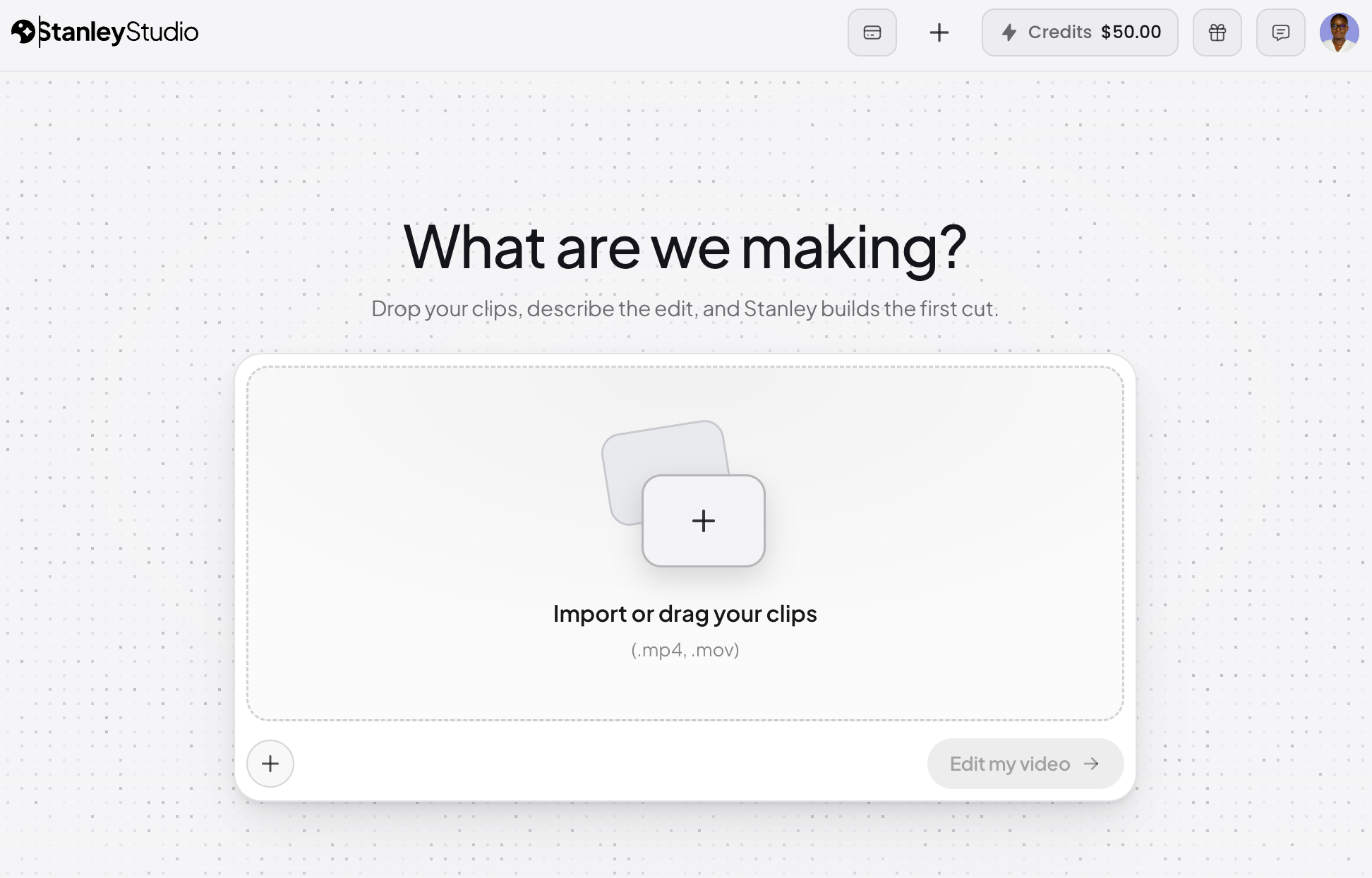
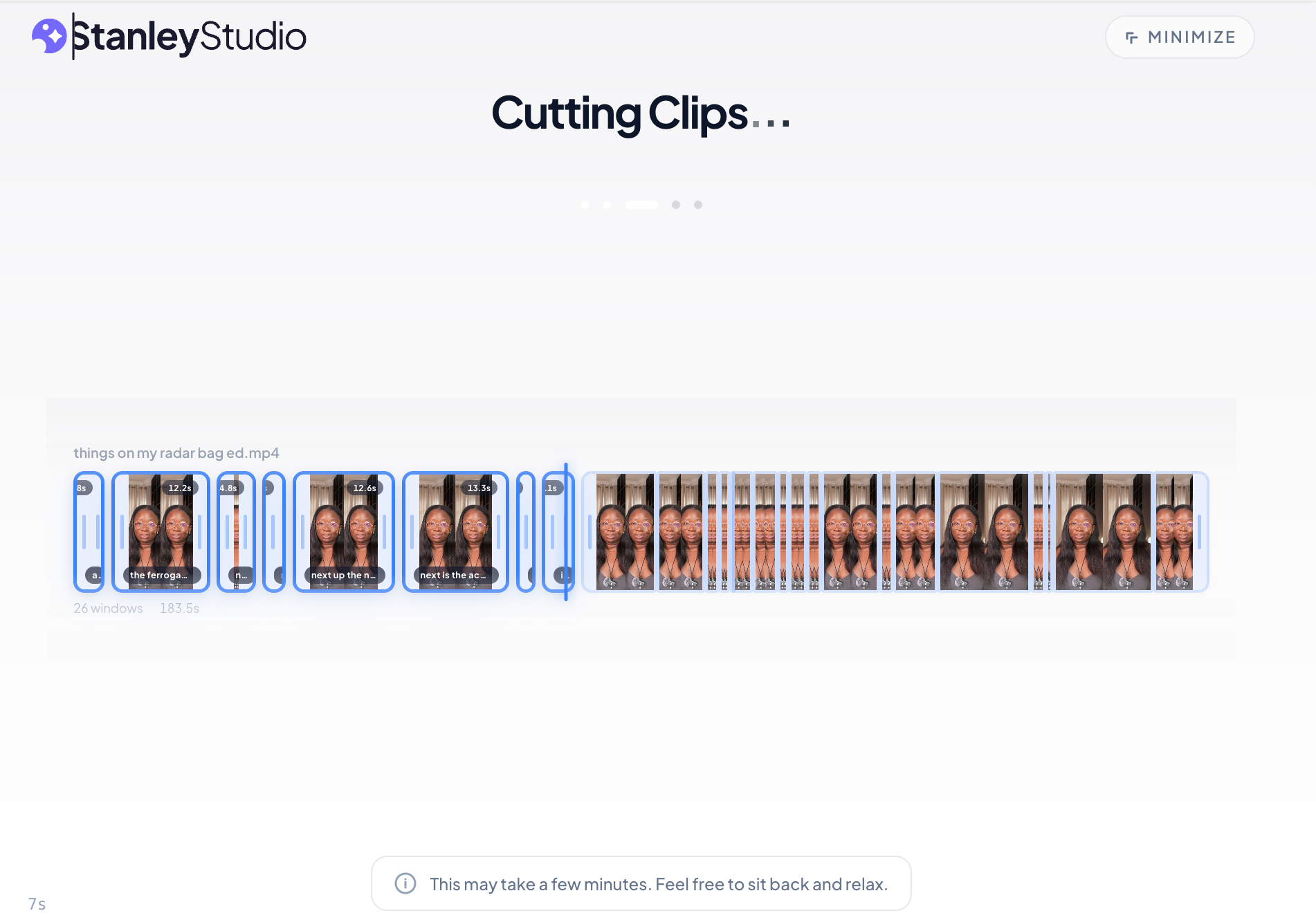
Stanley Studio, a newer entrant from the Stan Store team, presented a pure AI-led proposition, emphasizing zero-timeline interaction. While it excelled in upload speed, processing a 350-megabyte file in approximately five minutes, its initial editing performance was less consistent in handling complex requests involving overlays and specific pacing. For instance, it sometimes generated AI images instead of incorporating provided screenshots and struggled to maintain a snappy pace as requested. As a nascent platform, it is expected to evolve rapidly, and its no-MCP design means users are limited to its in-tool chatbot for AI direction. Its free tier allows for single-project work, with paid plans commencing at $19/month.
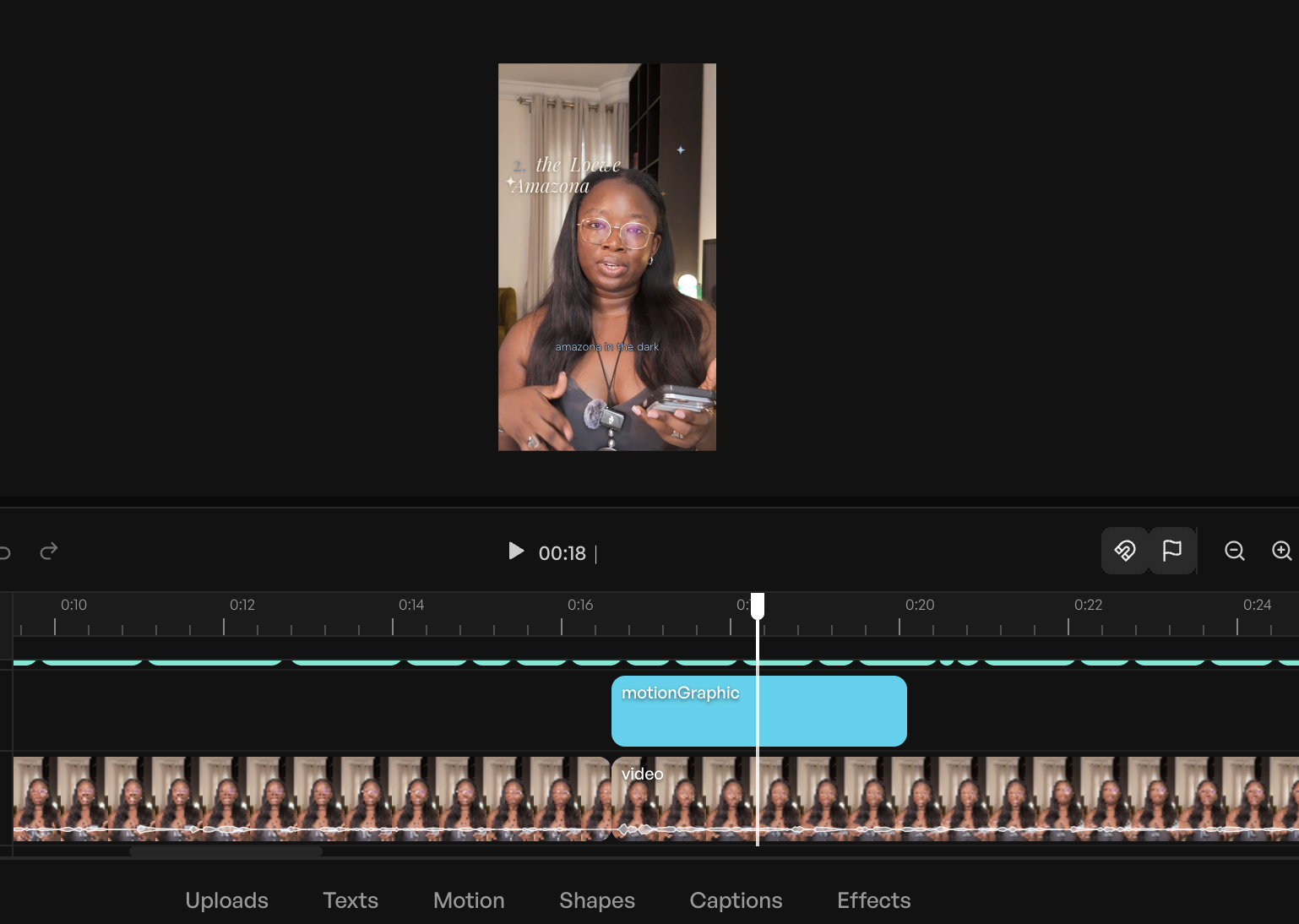
Descript, positioned as a clear example of the AI-enabled/AI-led overlap, proved highly effective for speech-heavy content. Its MCP integration, tested with Claude on the same footage, delivered a significantly lighter video (64 seconds shorter) by cutting false starts, repeated takes, and compressing pauses. It also captioned the entire video in an Instagram Reels-native style and even generated its own hook line, all while maintaining the original composition by creating a duplicate. While it streamlined the initial, tedious cutting and trimming by about 40%, the absence of a direct reference video input meant achieving a specific stylistic output required more manual tweaking. Descript offers a free plan with limited credits, with paid plans starting at $35/month.
In the AI-enabled category, CapCut stood out as a robust, all-around performer. Functioning as a timeline editor with a comprehensive suite of AI features, it offers speaker-ID captions, camera tracking, vocal isolation, background removal, and a script-to-video feature. Its built-in EditPilot allows users to request cuts and transitions. CapCut’s user-friendly interface and extensive tutorial base make it an ideal choice for beginners seeking AI assistance within a familiar editing environment. Its widespread adoption underscores its effectiveness, with free and paid plans starting at $9.99/month.
Canva and Adobe Express emerged as strong contenders for users already embedded in their respective ecosystems. Canva, primarily a visual design tool, offers video editing capabilities that leverage its extensive library of templates, brand kits, and fonts. Its Magic Video feature assembles 60-second cuts with templates, transitions, and music, while auto-captions and background removal enhance its utility. Adobe Express, benefiting from the broader Adobe ecosystem, also prioritizes design with social-specific video editing. It generates captions, allows for extensive restyling, and its Clip maker extracts short, captioned segments from longer videos. Both platforms offer generative AI features (Magic Media in Canva, Firefly in Adobe Express) and integrate with professional tools for deeper editing. Their pricing models include free plans with limitations and paid tiers starting at $14.99/month for Canva and $9.99/month for Adobe Express.
Riverside, a remote recording studio, integrates its agentic editor, Co-Creator, directly into its platform. This is particularly advantageous for podcasters and interviewers, as Co-Creator works with footage captured directly within Riverside, benefiting from separate speaker tracks and local recording quality. It can clean audio, cut filler, add AI b-roll, pull social clips, and even dub videos with lip-sync. Its features are included in paid plans starting at $29/month, making it a compelling choice for those whose workflow begins with remote recording.
Veed AI presented itself as a comprehensive browser-based, AI-enabled editor known for its highly accurate transcription and a full suite of features including captions, translation, and eye-contact correction. Its intuitive interface makes it accessible without a steep learning curve. Veed offers a free plan with export caps and watermarks, with paid plans starting at $12/month.
Finally, OpusClip specializes exclusively in repurposing long-form video into multiple short-form clips. Its ClipAnything model analyzes visual cues, audio sentiment, facial expressions, and narrative structure to identify optimal moments for clipping, providing each with a hook, captions, and a virality score. While it offers less granular control over individual cuts, it delivers a high volume of finished clips, significantly boosting efficiency for content distribution across platforms. OpusClip provides a free plan with processing limits, and paid plans begin at $15/month. It is worth noting that some of its core functionality is replicated in premium features of tools like CapCut Pro or Adobe Express.
Mastering the AI-Powered Workflow: Beyond the Tool
The independent evaluation highlighted a crucial insight: while AI tools are no longer the primary bottleneck in video editing, the user’s ability to direct them effectively is paramount. Natural language editing, though seemingly simplifying the process, still benefits immensely from a clear understanding of editing terminology. Providing precise instructions – for instance, "cut the first four seconds, open on the medium shot, add hook text in the top safe zone" – yields significantly better results than vague directives like "make the intro punchier."
Creators are encouraged to cultivate an "inspiration library," meticulously studying videos they admire to dissect pacing, shot duration, text usage, and overall style. This library serves as a rich source of vocabulary and a valuable reference point for AI-led editors, allowing users to provide concrete examples like "Pace it like this" with a link, rather than relying solely on descriptive adjectives. Furthermore, engaging in manual editing, even briefly, can profoundly deepen one’s understanding of the process and solidify technical terms, making subsequent AI interactions more productive. A concise template for AI briefs – [what to cut] + [what to add] + [format and platform] + [style reference] – can serve as a powerful starting point for maximizing AI assistance.
Broader Impact and Future Implications
The emergence of AI video editors represents a significant shift in the media production landscape. For individual creators and small businesses, these tools offer an unprecedented level of accessibility and efficiency, allowing them to produce high-quality video content that was previously out of reach due to skill or resource constraints. This democratization of video creation is fueling the creator economy, enabling more individuals to participate and monetize their content across diverse platforms.
However, the question of whether AI will replace human video editors remains a pertinent one. Based on the findings, the answer is a nuanced "not entirely." While AI excels at the mechanical, repetitive, and data-driven aspects of editing – such as cutting silences, generating captions, or reframing – it currently lacks the nuanced taste, creative judgment, and emotional intelligence that human editors bring to the table. The AI can execute instructions, but it cannot inherently understand the subtle artistic choices that differentiate a merely competent video from a truly compelling one. Human editors will likely see their roles evolve, shifting from tedious manual labor to higher-level creative direction, quality control, and strategic storytelling, leveraging AI as a powerful assistant rather than a replacement. This implies a future where collaboration between human creativity and AI efficiency becomes the standard, making video production faster, more accessible, and more scalable than ever before.
The market for AI video editing is projected to continue its rapid expansion, with ongoing advancements in generative AI promising even more sophisticated capabilities, such as text-to-video generation, AI avatars, and dynamic b-roll insertion. While these generative tools are not universally adopted by all creators due to stylistic preferences or authenticity concerns, their integration into existing platforms suggests a future where the line between editing existing footage and generating new visual elements will increasingly blur.
In conclusion, AI video editors are not just tools; they are catalysts for transformation in the content creation ecosystem. By addressing the historical challenges of video post-production, they empower a broader range of creators to tell their stories, engage their audiences, and participate in the dynamic digital economy. The path forward for creators lies in intelligently adopting these tools, understanding their capabilities and limitations, and refining their ability to communicate effectively with AI, thereby unlocking new levels of productivity and creative potential.
Related posts: