The landscape of artificial intelligence is rapidly evolving, with AI coding agents demonstrating an increasing capacity to generate functional code. However, a significant hurdle remains: instilling these agents with an aesthetic sensibility, the ability to produce not just working code, but visually appealing and well-designed interfaces. Historically, AI-generated designs have often defaulted to a predictable and uninspired palette of purple gradients, rounded corners, and a ubiquitous sans-serif font, lacking the conviction and nuance of human-designed aesthetics. This deficiency stems from a fundamental lack of taste and subjective judgment within the current AI models.
The emergence of "AI skills" offers a compelling solution to this design deficit. These are essentially specialized markdown files that can be integrated into AI coding platforms such as Claude Code, Codex, and Cursor, as well as any agent that supports this extensibility. By installing these skills, developers can effectively train their AI agents on specific design languages, ranging from the rigorous principles of Swiss grid systems to the sophisticated nuances of OKLCH color science. This article explores a curated selection of these design-focused AI skills and directories, highlighting their potential to significantly enhance the design vocabulary of AI coding assistants.
The Rise of AI-Driven Design Proficiency
For years, the primary focus of AI in software development has been on functionality and efficiency. AI models excelled at understanding and generating code based on explicit instructions, thereby accelerating the development process. However, the qualitative aspects of design—the subtle choices in typography, color harmony, layout, and user experience—have remained largely within the human domain. The output of early AI coding tools often reflected this limitation, producing interfaces that were technically sound but aesthetically uninspired, failing to capture the brand identity or user engagement that sophisticated design can achieve.
The introduction of AI skills represents a paradigm shift, moving beyond mere functional code generation to imbue AI agents with a more comprehensive understanding of design principles. These skills act as curated datasets and rule sets, allowing AI to learn and apply established design methodologies. This advancement is critical for democratizing good design, enabling developers, regardless of their design background, to leverage AI to create more polished and user-friendly applications.
Enhancing AI Design Capabilities with Specialized Skills
The following AI skills and directories offer developers powerful tools to elevate the design output of their AI coding agents. Each skill introduces a specific set of design principles and functionalities, expanding the agent’s ability to create aesthetically pleasing and user-centric interfaces.
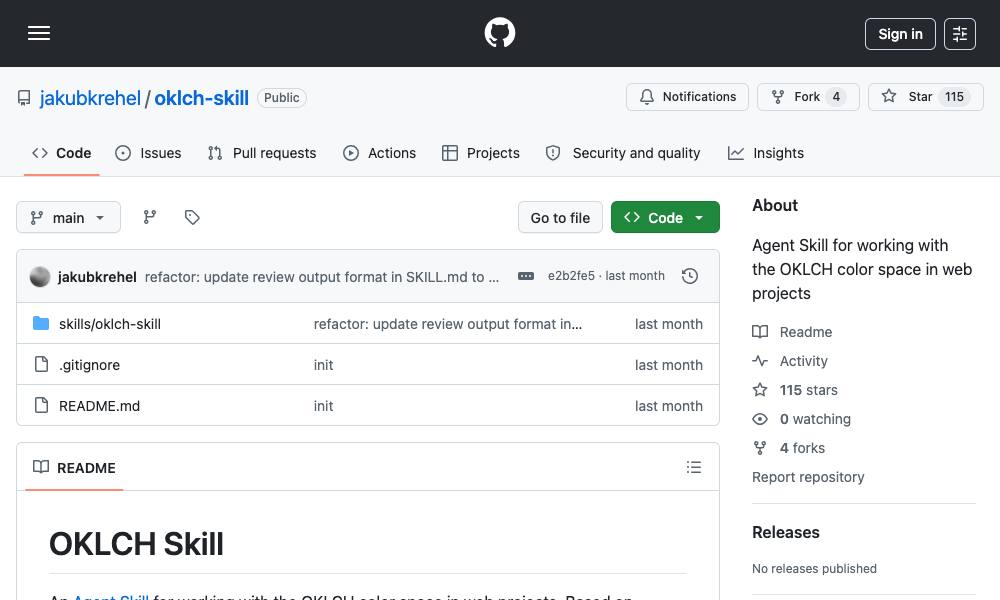
1. OKLCH Color Skill: Precision and Perceptual Uniformity in Color
The OKLCH Color Skill directly addresses the challenges of color selection and manipulation in AI-generated designs. This skill trains AI agents to utilize the OKLCH color space, a perceptually uniform alternative to traditional HSL (Hue, Saturation, Lightness). Unlike HSL, which can suffer from "hue drift" where changing lightness or saturation alters the perceived hue, OKLCH ensures that color variations remain consistent and predictable.
Key Features and Benefits:
- Perceptual Uniformity: Eliminates hue drift, ensuring that color scales and adjustments are visually coherent.
- Predictable Palette Generation: Enables AI agents to generate harmonious color palettes with greater accuracy.
- Format Conversion: Facilitates seamless conversion between color formats, such as hex codes and OKLCH values.
- Scalable Palettes: Generates uniform color scales from light to dark (e.g., 50 to 950), crucial for design systems.
- Dark Mode Optimization: Derives optimal dark mode colors through intelligent lightness manipulation, ensuring readability and aesthetic appeal.
- Accessibility Compliance: Verifies color contrast against established standards like WCAG 2 and APCA, crucial for inclusive design.
- Tailwind v4 Integration: Creates Tailwind v4 themes with native OKLCH color tokens, ensuring modern framework compatibility.
Installation and Usage:
The skill can be installed via the command line using npx skills add jakubkrehel/oklch-skill. Users can then invoke it using /oklch-skill or by simply describing color-related tasks. The skill is designed to activate automatically when the AI agent encounters color-related work, making it a seamless addition to the development workflow. This skill is particularly valuable for projects that rely on custom design tokens or for developers frustrated by AI-generated color combinations that appear fine in isolation but falter in different contexts, such as dark mode.
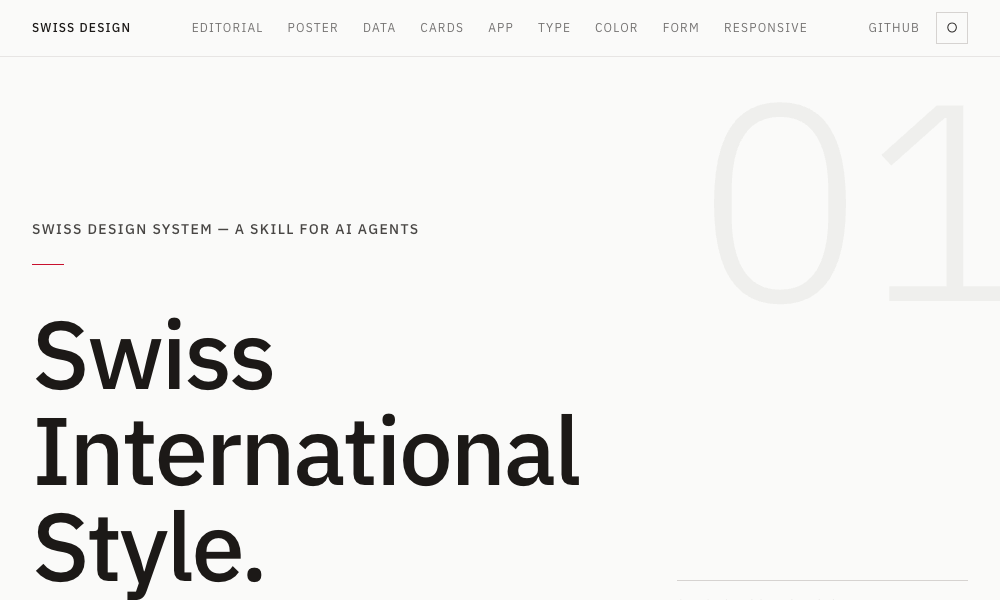
2. Swiss Design System Skill: Embracing Swiss International Style
For developers seeking to imbue their projects with the timeless elegance and clarity of the Swiss International Style, the Swiss Design System Skill is an invaluable asset. This skill trains AI agents to adhere to the core principles of this influential design movement, characterized by grotesque sans-serif typography, strict grid systems, ample whitespace, and restrained color palettes.
Key Features and Benefits:
- Typography Expertise: Teaches agents to utilize iconic grotesque sans-serif fonts such as Helvetica, Univers, and Neue Haas Grotesk.
- Grid System Discipline: Implements rigorous grid systems, ensuring visual harmony and order in layouts.
- Whitespace Emphasis: Promotes the use of generous whitespace for improved readability and aesthetic clarity.
- Restrained Color Palettes: Guides agents to select and apply limited, cohesive color schemes.
- Tailwind CSS Integration: Applies these design principles using standard Tailwind CSS utility classes for practical implementation.
- Historical Context: Includes font fidelity rankings, grid system references from pioneers like Josef Müller-Brockmann, and insights into the Zurich and Basel schools of thought.
Installation and Usage:
Installation is straightforward via npx skills add zeke/swiss-design-skill. Users can prompt their agent to create layouts in the Swiss International Style, and the agent will automatically apply grid discipline, select appropriate typography, and maintain breathing room around content. This skill is ideal for landing pages, editorial layouts, and any project where clarity, visual hierarchy, and a sense of sophistication are paramount.
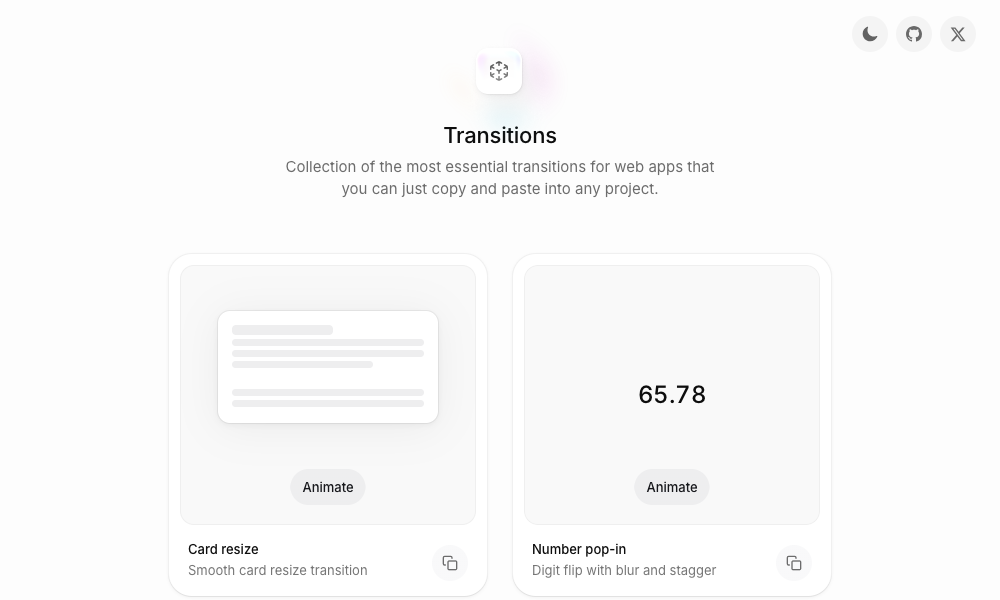
3. Transitions.dev: Injecting Dynamic User Experiences
User interface transitions are critical for creating a fluid and engaging user experience, yet they are often overlooked or poorly implemented by AI-generated code. Transitions.dev provides a comprehensive collection of nine essential UI transitions, readily available as a copy-paste showcase and an installable agent skill.
Key Features and Benefits:
- Diverse Transition Library: Covers a range of common UI interactions, including card resizing, animated number counters, and notification badge animations.
- Ready-to-Use CSS: Provides pre-optimized CSS code that AI agents can directly implement in projects.
- Code Consistency: Ensures that the generated code accurately reflects the demonstrated transitions on the showcase site.
- Enhanced User Flow: Rectifies issues where modals or other UI elements appear abruptly without any transitional effect.
Installation and Usage:
The skill can be integrated by cloning the repository or referencing it directly from its GitHub page. Developers can simply mention the desired transition pattern, and the AI agent will apply the corresponding pre-optimized CSS. This skill is a practical solution for developers aiming to add polish and professional flair to their application’s user interface.
4. DESIGN.md Directory: A Frictionless Design System Integration
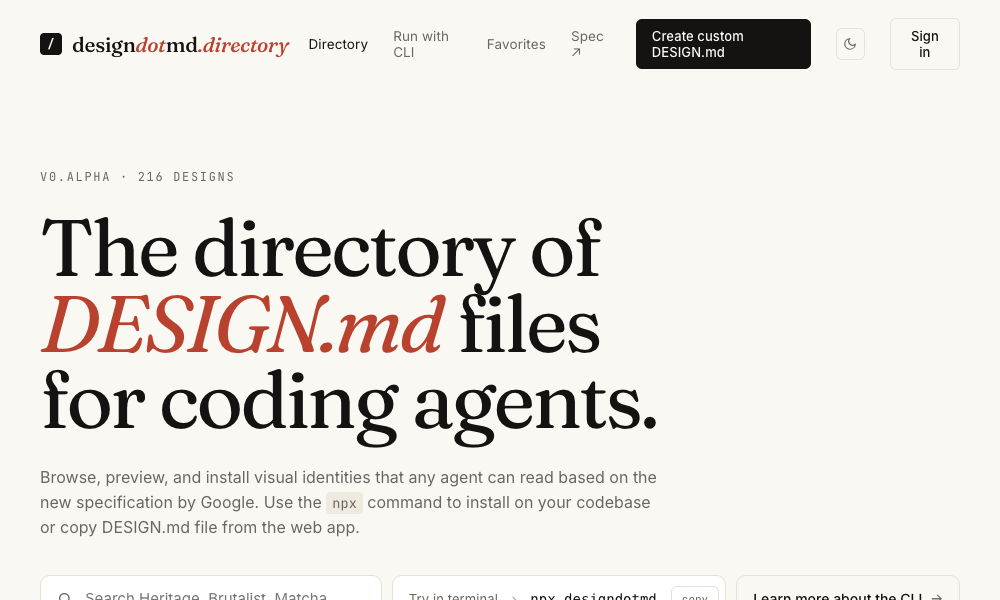
The DESIGN.md Directory offers an exceptionally user-friendly approach to integrating comprehensive design systems with AI coding agents. This directory hosts a collection of markdown files, each meticulously detailing a complete design system. These files encompass color palettes, typography rules, spacing systems, component specifications, and layout principles.
Key Features and Benefits:
- Comprehensive Design Documentation: Each markdown file outlines a full design system.
- Easy Integration: Users simply select a desired style, copy the markdown content, and place it in their project as a
DESIGN.mdfile. - Automatic Agent Adoption: AI agents automatically recognize and apply the design language defined in the
DESIGN.mdfile without requiring additional configuration. - Low Friction Workflow: Eliminates the need for command-line installations or complex setup processes.
Usage:
The process is as simple as browsing the directory, identifying a design system that aligns with the project’s aesthetic, and copying the corresponding markdown file into the project’s root directory. The AI agent then seamlessly adopts this design language for all generated code, from individual components to full page layouts. This makes it the most accessible option for developers seeking to quickly establish a consistent visual identity for their AI-generated projects.
5. Agents with Taste: A Philosophy of Design Engineering
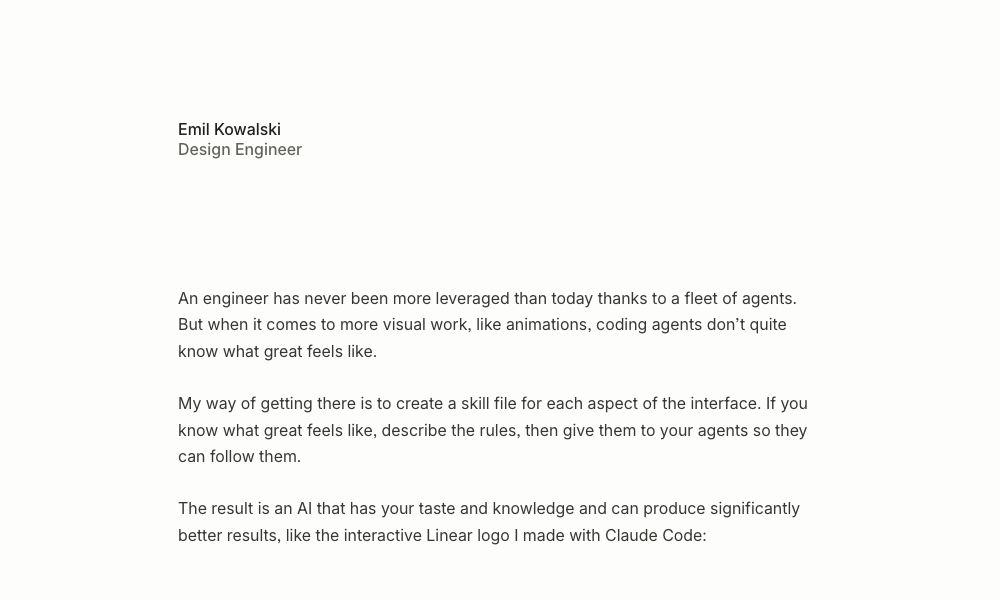
Developed by Emil Kowalski, Agents with Taste is an installable design engineering skill that delves into the core principles of effective UI design. It covers crucial aspects such as animation, component design, easing curves, duration guidelines, typography, and practical tips derived from extensive experience with open-source projects.
Key Features and Benefits:
- Holistic Design Principles: Addresses animation, component design, typography, and user experience.
- Practical Guidance: Offers a table of actionable tips and a flowchart for selecting appropriate easing curves based on context.
- Duration Standards: Provides guidelines for animation durations, from micro-interactions (100-150ms) to modal windows (200-300ms).
- Typography Rules: Enforces strict typography guidelines, such as limiting body text line length to 65 characters for optimal readability.
- Extensibility: The underlying methodology, facilitated by Anthropic’s skill-creator skill, allows designers to package their own design philosophies into executable skill files.
Installation and Usage:
The skill can be installed using npx skills add emilkowalski/skill. Users can then prompt the agent to improve animations or design components, and the skill will automatically apply Emil Kowalski’s established design philosophy. This skill empowers AI agents to move beyond basic aesthetics and incorporate sophisticated design thinking.
6. Hue: Brand-Centric Design System Generation
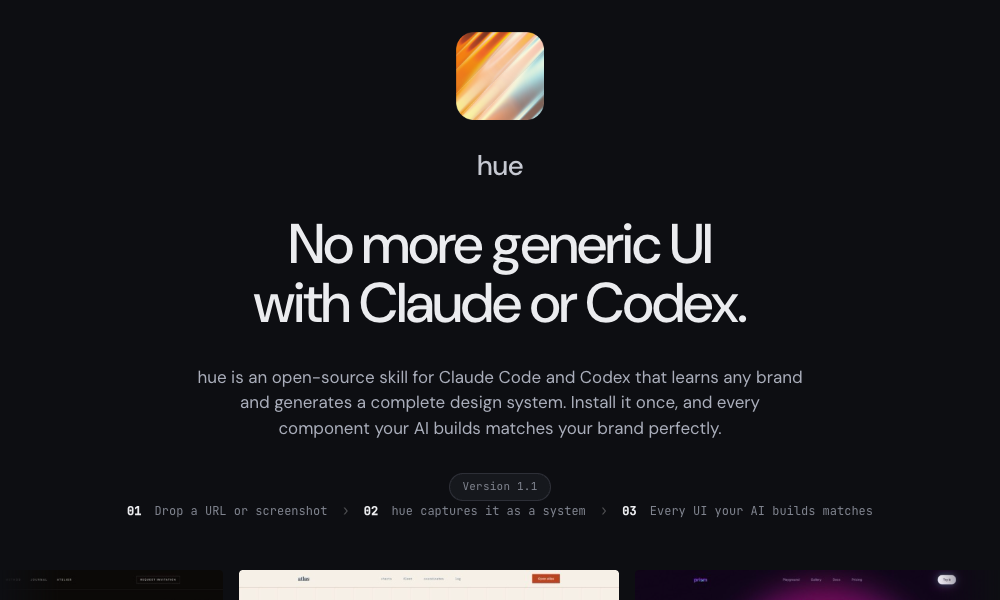
Hue, an open-source skill by Dominik Martin, revolutionizes how AI agents approach design by enabling them to learn and replicate existing brand identities. Users can provide a brand through a URL, name, or screenshot, and Hue will generate a comprehensive design system tailored to that brand.
Key Features and Benefits:
- Brand Analysis: Learns brand identity from various inputs, including URLs, names, and screenshots.
- Complete Design System Output: Generates color tokens, typography rules, spacing guidelines, component designs, dark mode support, and icon recommendations.
- Pre-built Examples: Includes 17 example brands, such as Atlas and Velvet, each with detailed
design-model.yamlandlanding-page.htmldemonstrations. - Framework Agnostic: Applicable across various web development stacks.
Installation and Usage:
The skill is installed by cloning the GitHub repository: git clone https://github.com/dominikmartn/hue ~/.claude/skills/hue. Users can then instruct their agent to create a design skill based on a specific brand, for example, "Make a design skill from cursor.com." The agent will then guide the user through the analysis and generation process. Hue is particularly useful when the goal is to ensure AI-generated designs strictly adhere to an established brand identity.
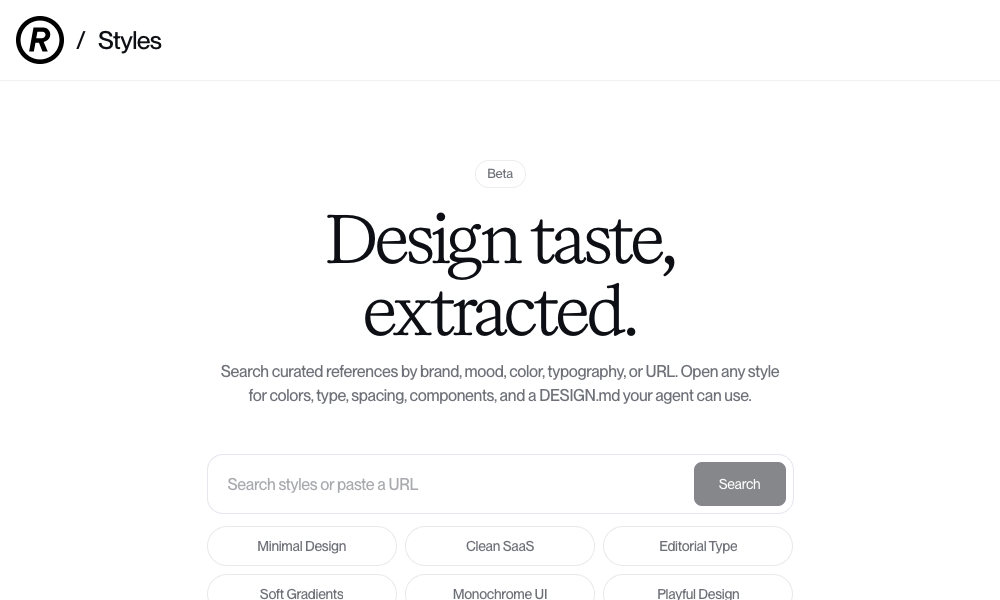
7. Refero Styles: Visual Search for Design Inspiration
Refero Styles functions as a visual search engine for design references and integrates as an AI agent skill. It allows users to search for design inspiration based on brands, moods, colors, typography, or by pasting URLs. For each search result, Refero provides a detailed style breakdown, including colors, typography, spacing, components, and a ready-to-use DESIGN.md file.
Key Features and Benefits:
- Extensive Reference Library: Access to over 150,000 real app screens and 6,000+ user flows from prominent products like Stripe, Linear, Notion, and Figma.
- Detailed Style Breakdown: Provides comprehensive analysis of color, type, spacing, and components for each reference.
- Direct
DESIGN.mdIntegration: OffersDESIGN.mdfiles that AI agents can directly utilize. - MCP Server Integration: Connects AI agents directly to Refero’s reference library for on-demand access to real product interface patterns during development.
Usage:
Users can search for a style that matches their project’s needs, open any result, and copy its DESIGN.md file into their project. The AI agent will then instantly adopt the specified design language. The MCP server further enhances this by enabling agents to pull specific UI patterns as needed, streamlining the design implementation process.
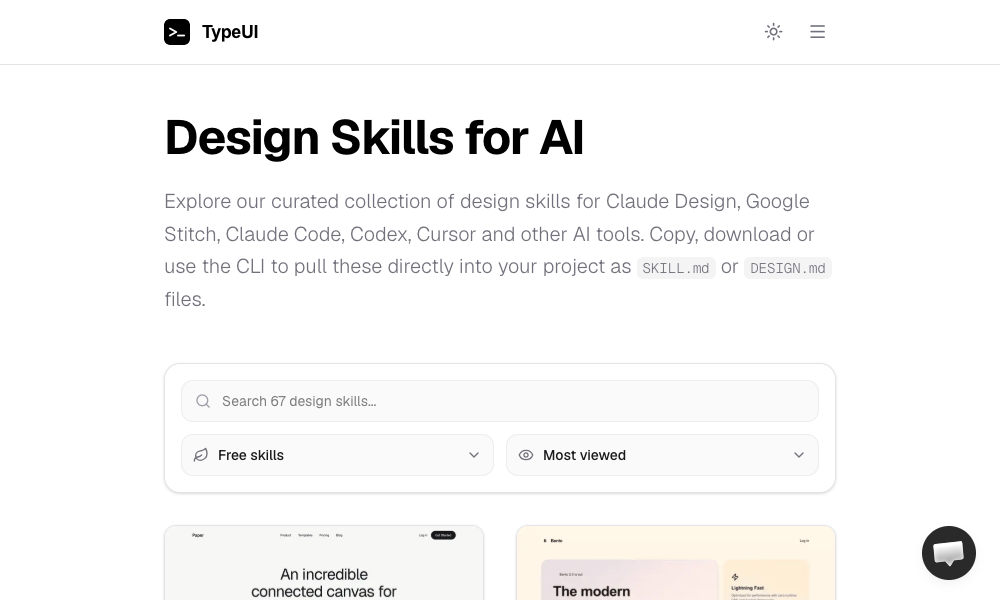
8. TypeUI Design Skills: A Curated Collection of Aesthetics
TypeUI Design Skills offers a diverse collection of design skills specifically optimized for various AI platforms, including Claude Design, Google Stitch, Claude Code, Codex, and Cursor. Each skill is presented as an optimized SKILL.md or DESIGN.md file, imparting a distinct design style to the AI agent.
Key Features and Benefits:
- Broad Platform Compatibility: Designed for a wide range of AI coding tools.
- Variety of Styles: Offers a gallery of distinct visual aesthetics to choose from.
- Flexible Integration: Users can copy-paste, download, or use a CLI to integrate skills.
- Local Agent Support: Compatible with locally run agents, including OpenClaw.
Installation and Usage:
Skills can be installed using the command npx typeui.sh pull [name]. Developers can browse the gallery, select a desired design, and pull it into their project. From that point onward, the AI agent will build all components and layouts according to the chosen aesthetic, ensuring visual consistency across the project.
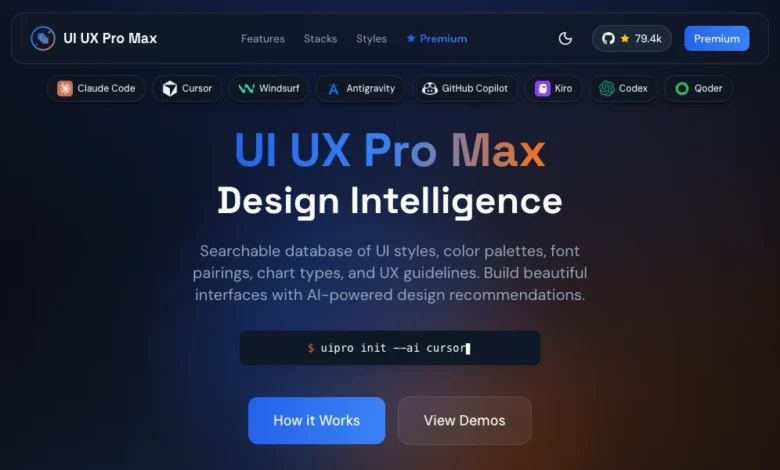
9. UI/UX Pro Max Skill: Comprehensive Design System Generation
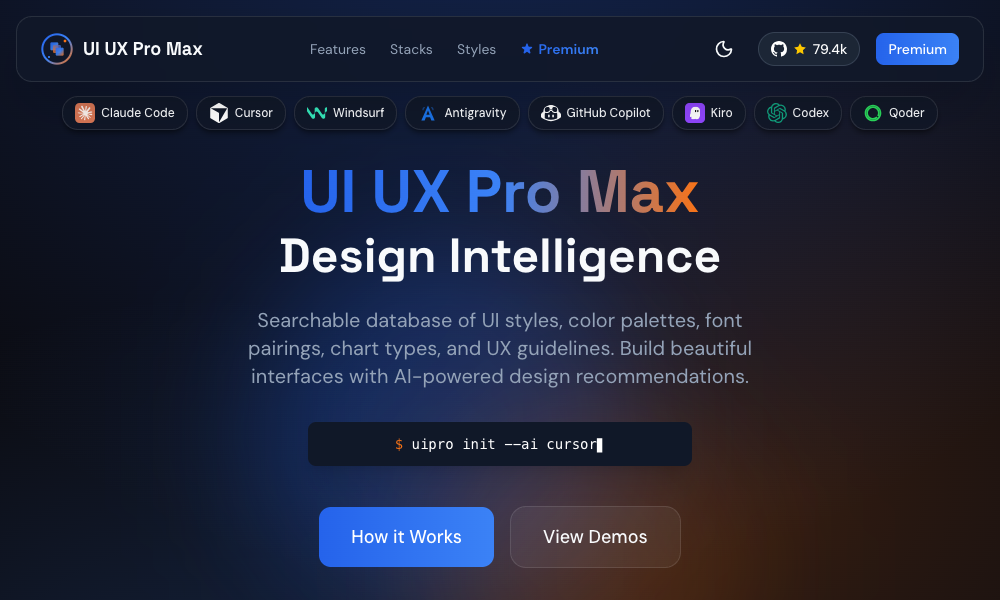
The UI/UX Pro Max Skill is a robust design tool featuring 161 reasoning rules and 67 UI styles. Its standout feature is the Design System Generator, which allows users to describe their project, and in turn, it constructs a comprehensive design system encompassing layout patterns, color schemes, typography, effects, and design "don’ts."
Key Features and Benefits:
- Extensive Design Rules: Incorporates 161 reasoning rules for sophisticated design decision-making.
- Wide Range of Styles: Supports 67 distinct UI styles.
- Design System Generator: Creates complete design systems based on project descriptions.
- Multi-Framework Support: Compatible with HTML + Tailwind, React, and Next.js.
- VS Code Agent Integration: Works with AI agents within VS Code, including Claude Code, Cursor, Windsurf, Copilot, and Codex.
- Search Functionality: Includes a script for finding design references by query and domain.
Installation and Usage:
The skill can be initialized within a project using npx ui-pro init or installed globally with npm install -g uipro-cli. Users can describe their project, for instance, "a premium tour booking app," and the generator will propose a complete design system. This skill represents the most comprehensive option for those seeking an all-in-one solution for the entire design system workflow, from initial requirements analysis to component output.
10. AI UX Playground: Tailored UX for AI Products
The AI UX Playground focuses on a critical niche: user experience patterns specifically designed for AI products. It offers a library of documented patterns for platforms like ChatGPT, Claude, Perplexity, and Cursor, complete with examples, use cases, and platform-specific implementation instructions.
Key Features and Benefits:
- AI-Specific UX Patterns: Addresses the unique interaction design challenges of AI-powered applications.
- Platform Adaptability: Provides instructions for implementation across various AI tools, including ChatGPT, Claude, Google Gemini, and Cursor.
- Real-World Examples: Features patterns drawn from actual AI products, offering practical insights.
- Implementation Guidance: Offers tips for integrating these patterns into custom AI tooling.
Usage:
Users can browse the pattern library, identify the required UX pattern, and follow the provided platform-specific instructions for application. This resource is less about visual polish and more about optimizing the user experience of AI-driven applications, ensuring they are intuitive and effective.
The Future of Design: Executable Rules and Designer Agency
The advent of AI skills marks a significant evolution in how design knowledge is conceptualized and applied. Traditionally, design principles were communicated through static documents, style guides, and human expertise. However, the trajectory is clearly shifting towards a future where design knowledge is transformed into executable rules that AI agents can interpret and implement directly.
This transformation implies a new role for designers. Those who can master the art of articulating design principles as clear, actionable rules will be instrumental in shaping the future of AI-generated interfaces. They will transition from solely creating visual assets to defining the underlying logic that governs design.
The tools and skills discussed represent a starting point in this burgeoning field. While AI design skills are still in their nascent stages and may exhibit rough edges, their potential is undeniable. The direction is clear: design is becoming an integral, programmable aspect of AI development. By embracing these AI skills, designers and developers can equip their AI agents with the sophistication needed to produce not just functional, but also aesthetically compelling and user-centric digital experiences. Experimenting with these skills is a crucial step for anyone looking to stay at the forefront of AI-assisted design and development.