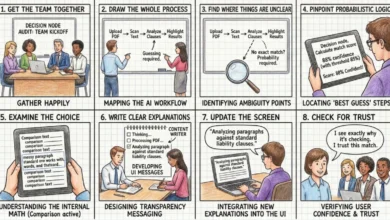
The field of artificial intelligence-powered code generation has rapidly advanced, with AI agents now capable of producing functional code with impressive efficiency. However, a persistent challenge has been translating this functional output into visually appealing and user-friendly designs. The default aesthetic often gravitates towards predictable patterns like purple gradients, rounded corners, and the ubiquitous Inter font, resulting in layouts that fulfill requirements but lack a distinct visual identity or refined user experience. This deficiency stems from the inherent nature of current AI models, which, without explicit guidance, lack a nuanced understanding of design principles and aesthetic taste.
This gap is now being addressed by the burgeoning ecosystem of "AI skills" – essentially, specialized markdown files that can be integrated into AI coding platforms. These skills act as trainable modules, imbuing AI agents with specific design languages, from the rigorous grid systems of Swiss design to the sophisticated color science of OKLCH. This development marks a significant step towards making AI-generated interfaces not only functional but also aesthetically pleasing and conceptually coherent.
The integration of these AI skills represents a paradigm shift in how design knowledge is imparted to machines. Historically, design principles were communicated through static style guides, design documents, and human expertise. Now, with executable rules embedded within these skills, AI agents can directly interpret and apply complex design methodologies, promising a future where AI-assisted development yields richer, more polished, and contextually appropriate user interfaces.
The Evolution of AI Design Capabilities
The journey of AI in code generation began with a focus on raw functionality. Early iterations of AI coding assistants excelled at generating boilerplate code, automating repetitive tasks, and even producing complex algorithms. Tools like GitHub Copilot, initially launched in beta in 2021, demonstrated the potential for AI to accelerate the development process significantly. However, user feedback and the output of these models consistently highlighted a disconnect between functional code and compelling design.
As AI models have matured, so too has the understanding of what constitutes effective design. This includes not only visual appeal but also crucial aspects of user experience (UX), such as intuitiveness, accessibility, and performance. The development of AI skills is a direct response to this evolving understanding, aiming to equip AI agents with the capacity to generate code that adheres to established design best practices.
Key AI Design Skills and Their Applications
The landscape of AI design skills is rapidly expanding, with several promising tools and directories emerging to address different facets of design. These skills offer developers and designers the ability to imbue their AI coding partners with specific aesthetic preferences and functional design principles.
1. OKLCH Color Skill: Precision and Perceptual Uniformity in Color
The OKLCH Color Skill is a critical advancement for AI agents dealing with color. It teaches agents to utilize the OKLCH color space, a perceptually uniform alternative to traditional models like HSL. This uniformity is crucial because it ensures that changes in lightness, saturation, or hue are perceived by humans in a consistent manner, preventing the "hue drift" often seen when manipulating colors in other spaces.
Key Features and Benefits:
- Predictable Palette Generation: Agents can generate harmonious color scales, ensuring that adjacent colors have predictable perceptual relationships.
- Efficient Dark Mode Conversion: By manipulating lightness values, agents can reliably derive dark mode color variants that maintain visual coherence and contrast.
- Accessibility Compliance: The skill enables agents to check color contrast against established accessibility standards like WCAG 2 and APCA, ensuring that generated interfaces are usable by individuals with visual impairments.
- Tailwind CSS Integration: It facilitates the creation of Tailwind CSS v4 themes with properly defined OKLCH color tokens, streamlining the integration of sophisticated color systems into modern web development workflows.
Installation and Usage:
- Install:
npx skills add jakubkrehel/oklch-skill - Use: Invoked by commands like
/oklch-skillor through natural language prompts describing color-related tasks. The skill can also activate automatically when the AI detects color manipulation in the coding process.
This skill is particularly valuable for projects that rely on custom design tokens or where maintaining consistent color appearance across different themes and devices is a priority. The ability to generate reliable and accessible color palettes directly addresses a common pain point in AI-generated code.
2. Swiss Design System Skill: Embracing Clarity and Structure
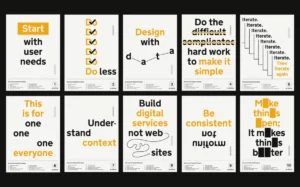
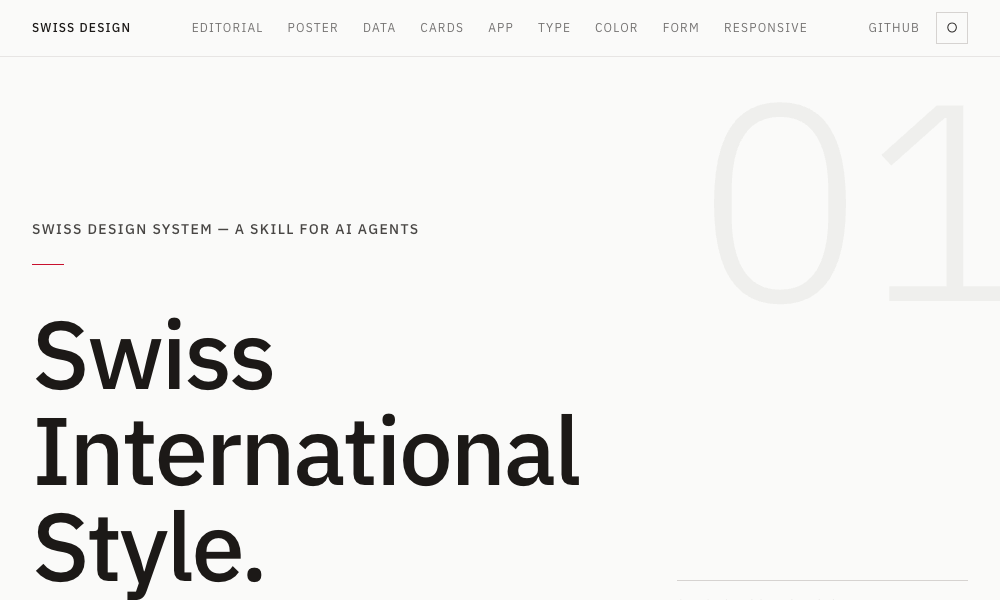
The Swiss Design System Skill brings the principles of the Swiss International Style, a renowned modernist design movement, to AI agents. This style emphasizes clarity, readability, and objective communication through design.
Key Principles Taught to AI:
- Typography: Adoption of grotesque sans-serif typefaces like Helvetica, Univers, and Neue Haas Grotesk, known for their clean lines and legibility.
- Grid Systems: Strict adherence to grid-based layouts for visual organization and consistency.
- Whitespace: Generous use of negative space to improve readability and focus attention on content.
- Restrained Color Palettes: Limited and deliberate use of color to avoid visual clutter.
Implementation and Application:
- Framework Integration: The skill translates these principles into Tailwind CSS utility classes, allowing AI agents to apply them using standard web development practices.
- Design References: It includes references to seminal works by designers like Josef Müller-Brockmann, providing a historical and theoretical foundation for the AI’s design decisions.
- Usage: Developers can prompt their AI agents to "build a layout in Swiss International Style." The agent will then automatically apply grid discipline, select appropriate typography, and maintain adequate breathing room around content.
This skill is ideal for projects prioritizing information hierarchy, clarity, and a timeless aesthetic, such as landing pages, editorial content platforms, and educational resources.
3. Transitions.dev: Enhancing User Interactivity with Smooth Animations
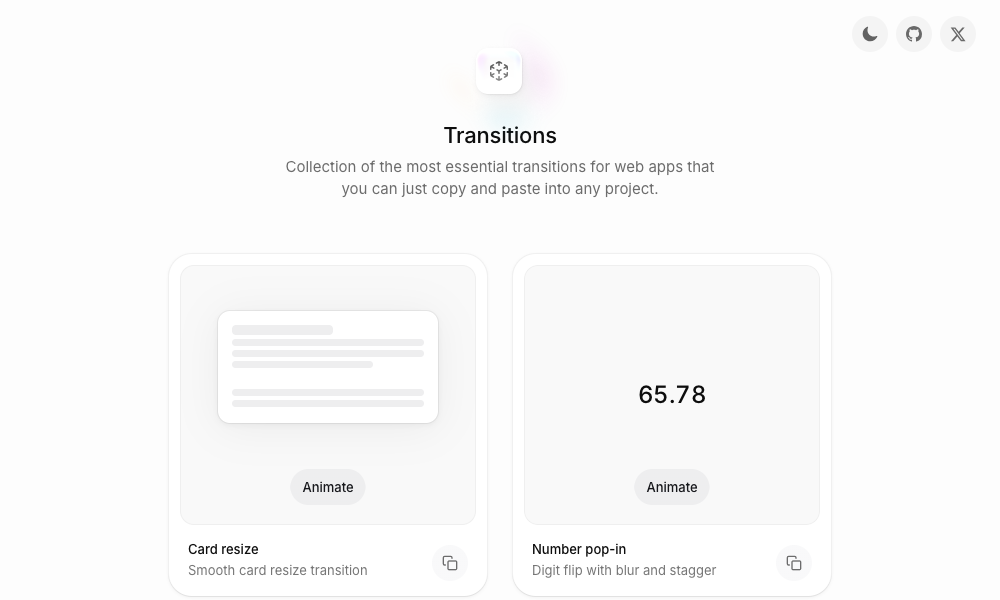
Transitions.dev addresses a common deficiency in AI-generated interfaces: the absence of smooth and intuitive UI transitions. This collection offers nine essential UI transition patterns, each with readily available CSS code that AI agents can directly implement.
Features:
- Diverse Transition Library: The skill covers a range of animations, including card resizing, animated number counters, and notification badge effects.
- Direct Code Integration: The CSS code is designed to be copy-pasted, ensuring that the AI’s output directly matches the demonstrated transitions.
- Problem Solving: This skill is particularly useful for overcoming the issue of AI agents producing modals or other UI elements that appear abruptly without any visual indication of state change.
Installation and Usage:
- Install: Reference the skill from its GitHub repository:
github.com/Jakubantalik/transitions.dev. - Use: Developers can describe the desired transition pattern, and the AI agent will apply the pre-optimized CSS.
By incorporating these polished transitions, AI-generated interfaces can feel more dynamic, responsive, and professional, significantly enhancing the overall user experience.
4. DESIGN.md Directory: Democratizing Design System Integration
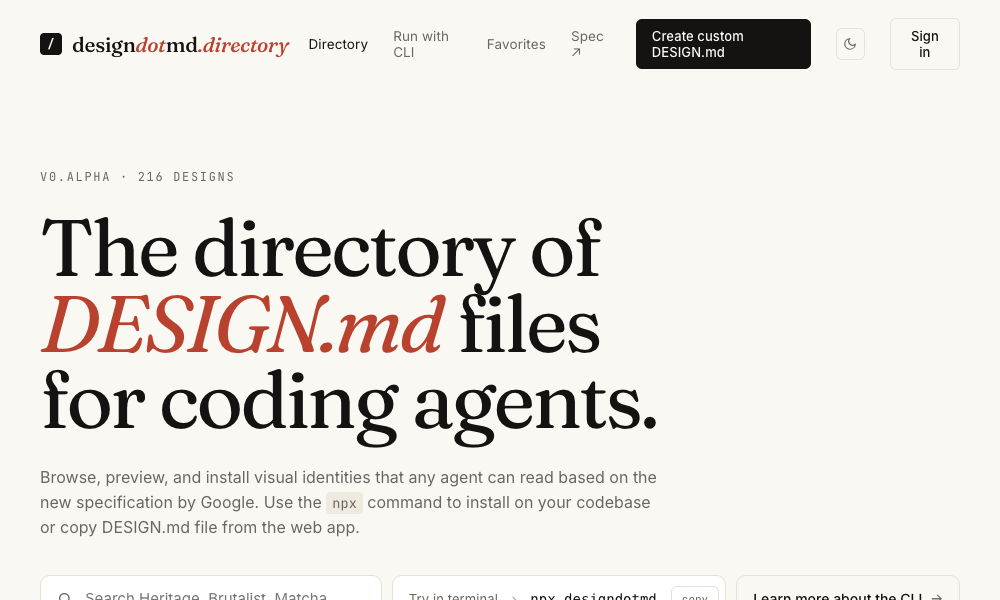
The DESIGN.md Directory offers a low-friction approach to integrating comprehensive design systems into AI agent workflows. Each markdown file within the directory encapsulates a complete design system, detailing color palettes, typography rules, spacing guidelines, component specifications, and layout principles.
Key Advantages:
- Simplicity: No complex installation or CLI commands are required. Users simply copy a
DESIGN.mdfile into their project’s root directory. - Automatic Recognition: AI agents automatically detect and apply the design language defined in the
DESIGN.mdfile. - Comprehensive Design Definition: Each file serves as a single source of truth for the project’s design, ensuring consistency across all AI-generated elements.
This approach significantly lowers the barrier to entry for adopting structured design systems, making them accessible even for projects with limited design resources or for developers who prefer a straightforward integration process.
5. Agents with Taste: Embedding Design Philosophy into AI
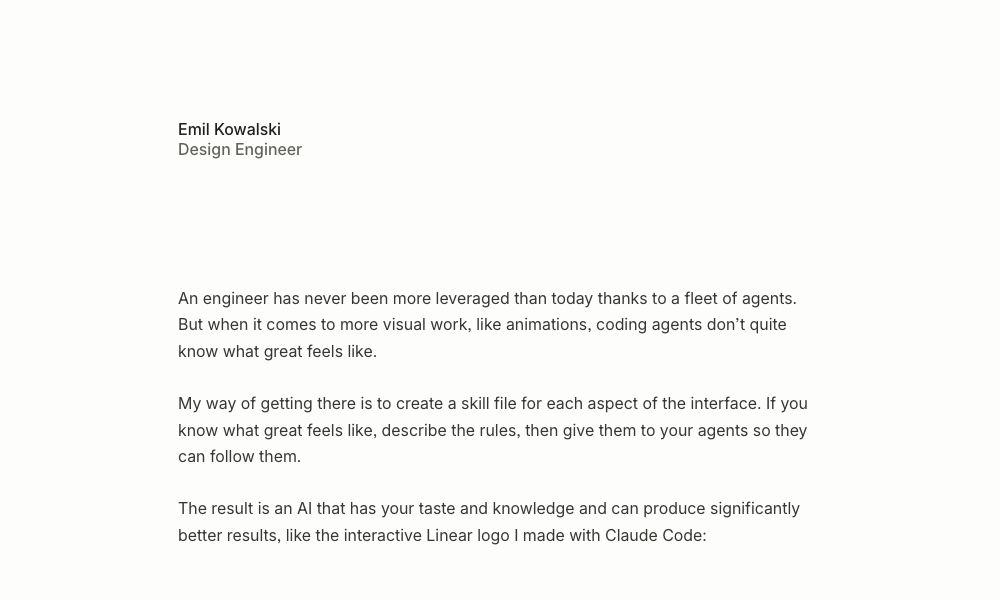
Emil Kowalski’s "Agents with Taste" skill is a comprehensive design engineering module that goes beyond basic visual elements to encompass animation principles, component design, and nuanced UX considerations.
Core Components:
- Animation Guidelines: The skill provides detailed recommendations on easing curves, duration, and animation best practices, ranging from subtle micro-interactions to more prominent modal animations.
- Typography Rules: Strict typographic guidelines, such as capping body text line length for optimal readability, are included.
- Practical Tips: A curated table of actionable design advice derived from extensive open-source project experience.
- Custom Skill Creation: The underlying methodology can be utilized with tools like Anthropic’s
skill-creatorto package personal design philosophies into AI-executable skills.
Installation and Usage:
- Install:
npx skills add emilkowalski/skill - Use: Developers can prompt the agent to refine animations or design components, and the skill will automatically apply Kowalski’s established design principles.
This skill empowers AI agents to adopt a sophisticated and well-reasoned design approach, moving beyond superficial aesthetics to incorporate deeper principles of user interaction and visual communication.
6. Hue: Brand-Centric Design System Generation
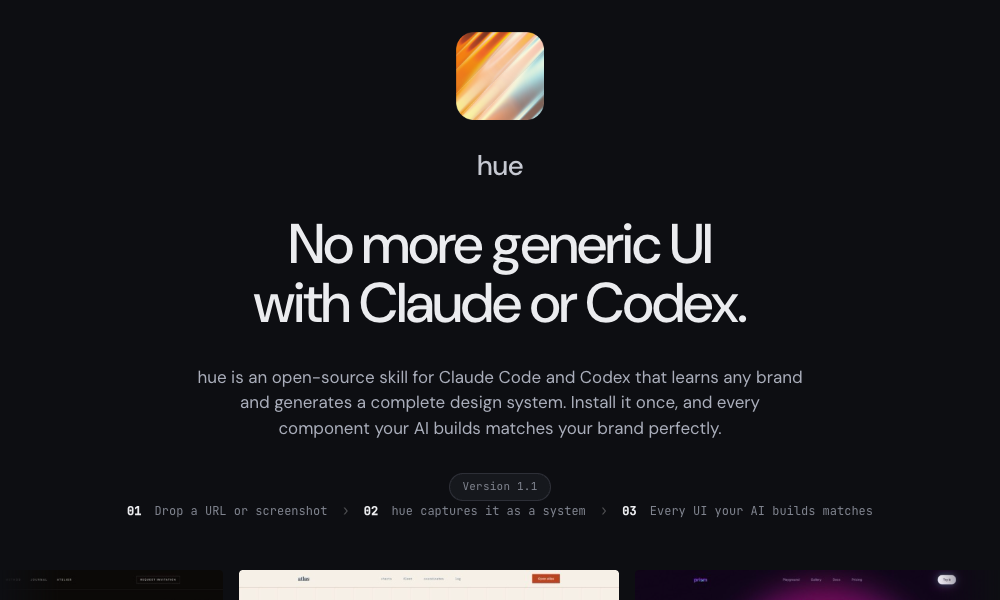
Hue is an innovative open-source skill that allows AI agents to learn and replicate brand identities. By analyzing a website URL, brand name, or screenshot, Hue can generate a complete design system tailored to that specific brand.
Capabilities:
- Brand Analysis: The skill intelligently extracts key design elements, including color tokens, typography, spacing, and component styles, from existing brands.
- Comprehensive Output: It produces a fully functional design system, including dark mode support and recommendations for iconography.
- Pre-built Examples: Hue includes 17 example brand systems, demonstrating its capabilities with diverse aesthetics, from minimalist to luxurious.
Installation and Usage:
- Install:
git clone https://github.com/dominikmartn/hue ~/.claude/skills/hue - Use: Prompts like "Make a design skill from cursor.com" or "Create a design language inspired by Raycast" trigger the analysis and generation process.
Hue is an invaluable tool for projects requiring strict adherence to existing brand guidelines, ensuring consistency and brand recognition across AI-generated outputs.
7. Refero Styles: Visual Search and Design Inspiration
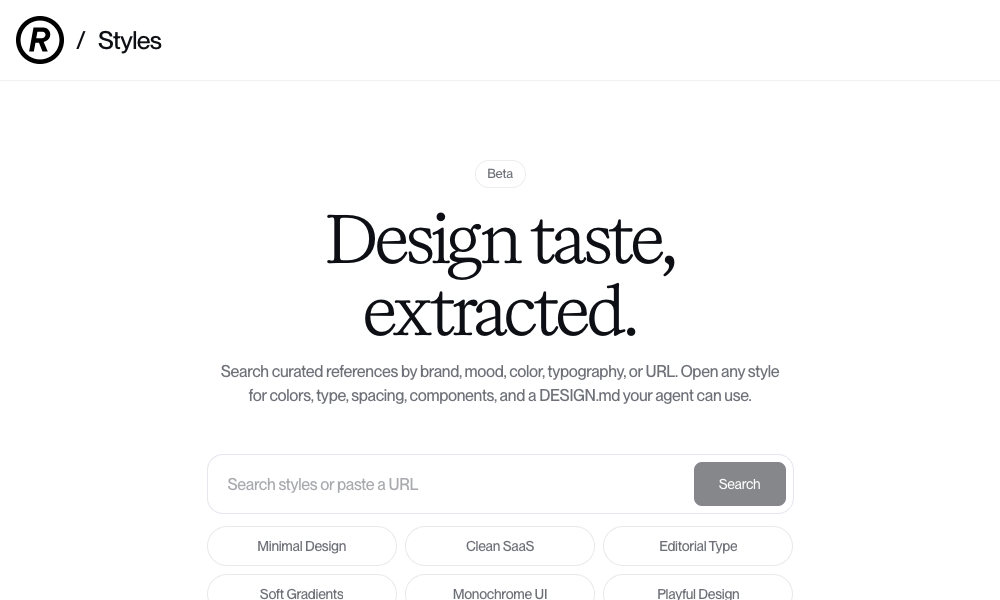
Refero Styles functions as a visual search engine for design references, seamlessly integrated as an AI agent skill. It allows users to search for design inspiration based on brand, mood, color, typography, or by providing a URL.
Key Features:
- Extensive Reference Library: Refero provides access to over 150,000 real app screens and 6,000 user flows from prominent products like Stripe, Linear, Notion, and Figma.
- Detailed Style Breakdown: Each search result includes a comprehensive breakdown of colors, typography, spacing, and components, along with a
DESIGN.mdfile ready for AI agent use. - Direct AI Integration:
DESIGN.mdfiles can be directly copied into projects, allowing AI agents to immediately adopt the identified design language. - MCP Server: An optional MCP server allows agents to query the reference library directly for real-time interface pattern retrieval during development.
Refero Styles empowers designers and developers to leverage real-world examples and industry-standard design patterns to inform AI-generated code, ensuring that the output is both innovative and grounded in proven design practices.
8. TypeUI Design Skills: A Curated Collection of Aesthetics
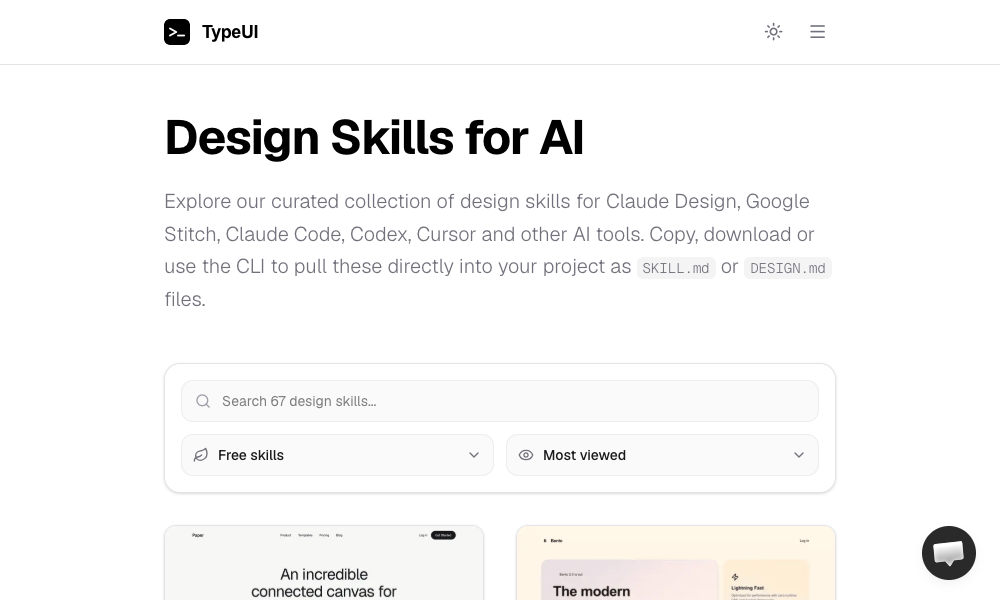
TypeUI Design Skills offers a curated collection of design skills specifically optimized for various AI coding tools, including Claude, Google Stitch, Codex, and Cursor. Each skill represents a distinct design style, packaged as an SKILL.md or DESIGN.md file.
Features:
- Diverse Gallery: Users can browse a gallery of styles and select the one that best fits their project’s aesthetic.
- Flexible Integration: Skills can be integrated by copy-pasting the file, downloading it, or using a dedicated CLI tool.
- Local Agent Support: TypeUI is compatible with local AI agents, such as those running on OpenClaw, ensuring broad applicability.
Installation and Usage:
- Install:
npx typeui.sh pull [name] - Use: Browse the gallery, select a design, and pull it into the project. The AI agent will then adhere to the chosen aesthetic for all subsequent development tasks.
TypeUI provides a streamlined way to access and apply a variety of pre-defined design styles, accelerating the process of establishing a consistent visual language for AI-generated projects.
9. UI/UX Pro Max Skill: Comprehensive Design System Generation
The UI/UX Pro Max Skill is positioned as a heavyweight solution, offering an extensive set of reasoning rules and UI styles for advanced design system generation. Its core feature, the Design System Generator, creates comprehensive design systems based on project descriptions.
Key Capabilities:
- Holistic Design System Generation: Based on a project description (e.g., "a premium tour booking app"), the generator proposes a complete design system encompassing layout patterns, color palettes, typography, effects, and guidelines on what to avoid.
- Multi-Framework Support: Compatible with various development stacks, including HTML with Tailwind CSS, React, and Next.js.
- IDE Integration: Works seamlessly with VS Code agents like Claude Code, Cursor, and Copilot.
- Design Reference Search: Includes a script for finding design references by query and domain.
Installation and Usage:
- Install:
npx ui-pro initwithin a project ornpm install -g uipro-clifor global access. - Use: Describe project requirements, and the generator will output a detailed design system.
This skill represents a full-spectrum approach to AI-assisted design system creation, ideal for complex projects where a robust and meticulously defined design foundation is paramount.
10. AI UX Playground: Specializing in AI Product UX Patterns
The AI UX Playground focuses on a niche but critical area: user experience patterns specifically designed for AI products. It documents common UX paradigms found in popular AI interfaces like ChatGPT, Claude, Perplexity, and Cursor.
Features:
- AI-Specific Patterns: The library offers patterns tailored for conversational AI, intelligent assistants, and code-generation tools.
- Platform-Specific Guidance: Each pattern includes instructions on how to implement it across various AI platforms, such as ChatGPT, Google Gemini, and Cursor.
- Real-World Examples: Patterns are illustrated with examples from actual AI products, providing practical context.
This resource is less about visual polish and more about the functional and intuitive interaction design required for effective AI-powered applications. It helps ensure that AI-generated interfaces are not just functional but also align with established user expectations for interacting with intelligent systems.
The Future of Design Knowledge: From Documents to Executable Rules
The emergence of AI design skills signifies a profound shift in how design knowledge is conceptualized and applied. Traditionally, design principles were codified in static documents that required human interpretation and implementation. Now, this knowledge is becoming executable, transforming into rules that AI agents can directly process and apply.

This evolution has significant implications for the role of designers. Designers who can articulate their design vision in a structured, machine-readable format will be instrumental in shaping the future of AI-generated interfaces. They will transition from solely creating visual artifacts to defining the underlying logic and principles that govern AI’s creative output.
While AI design skills are still in their nascent stages, with ongoing refinement and the potential for "rough edges," the trajectory is clear. These tools represent a powerful new frontier in human-AI collaboration, promising to democratize sophisticated design capabilities and accelerate the creation of more aesthetically pleasing, user-friendly, and contextually relevant digital experiences. As developers and designers begin to integrate these skills into their workflows, the capabilities of AI in producing not just functional, but also beautiful and effective, code are set to expand exponentially. The ability to imbue AI agents with a sense of "taste" is no longer a distant dream but an emerging reality.