The landscape of artificial intelligence in software development is rapidly evolving, with AI coding agents demonstrating a remarkable ability to generate functional code. However, a persistent challenge has been guiding these agents to produce aesthetically pleasing and well-designed outputs. Traditionally, AI-generated code often defaults to predictable, uninspired visual elements—characterized by prevalent purple gradients, rounded corners, generic fonts like Inter, and layouts that fulfill basic requirements without a discernible sense of style or intentionality. This limitation stems not from a flaw in the agents themselves, but from their inherent lack of a cultivated sense of taste or design intuition.
This gap is now being addressed through the advent of "AI skills." These are essentially specialized markdown files that can be integrated into AI coding platforms such as Claude Code, Codex, and Cursor, or any agent that supports this extensibility. By installing these skills, developers can imbue their AI agents with specific design languages, ranging from sophisticated grid systems inspired by Swiss design principles to the nuanced color science of OKLCH. This article explores a curated selection of these design-focused AI skills and directories, highlighting their potential to significantly enhance the design vocabulary of AI-powered coding assistants.
The Evolution of AI in Design: From Functionality to Aesthetics
For years, the primary focus of AI in coding was on generating correct and functional code. This was a significant breakthrough, automating repetitive tasks and accelerating development cycles. Tools like GitHub Copilot, which launched in 2021, marked a pivotal moment, offering AI-powered code completion that understood context and could suggest entire lines or blocks of code. The subsequent development of more advanced agents capable of generating entire functions, classes, and even basic applications further underscored this progress.
However, the visual aspect of software development—user interface (UI) and user experience (UX) design—remained a more elusive domain for AI. Early AI-generated interfaces often lacked coherence, visual hierarchy, and a distinct brand identity. Developers frequently found themselves spending considerable time refactoring and restyling AI-generated code to meet design standards. The introduction of AI skills directly targets this deficiency, aiming to bridge the gap between functional code generation and high-fidelity design output.
Key AI Design Skills Transforming Code Generation
The following AI skills represent a significant step forward in enabling AI agents to produce visually appealing and well-structured code. Each skill offers a unique approach to embedding design knowledge into AI workflows.
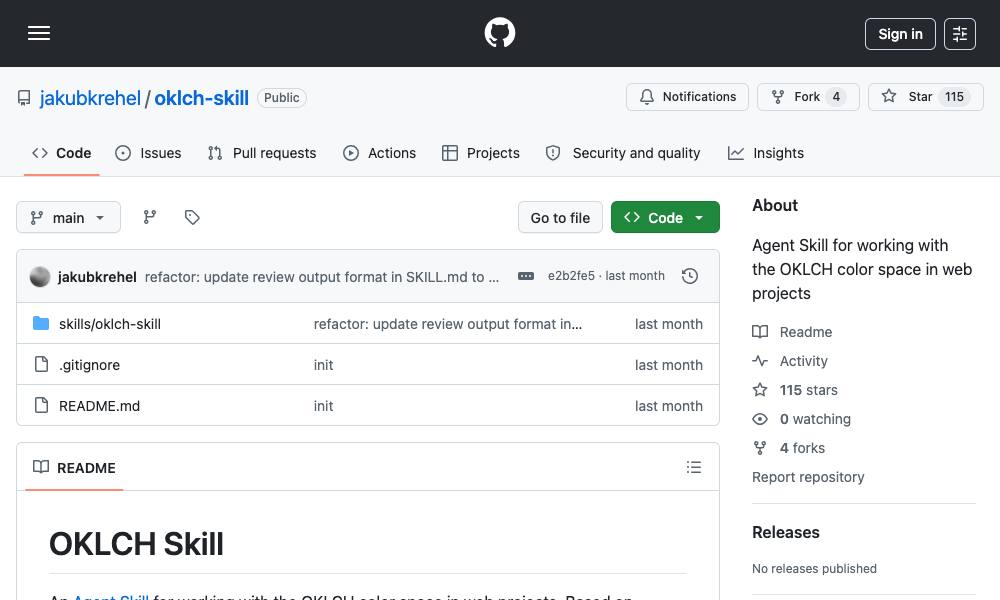
1. OKLCH Color Skill: Mastering Perceptual Uniformity in Color
The OKLCH Color Skill addresses a fundamental challenge in digital color management: the inconsistencies and "hue drift" often encountered when manipulating colors in traditional color spaces like HSL (Hue, Saturation, Lightness). OKLCH (Oklab Lightness, Chroma, Hue) is a perceptually uniform color space, meaning that changes in its components correspond more closely to how humans perceive color differences.
Impact and Functionality:
This skill empowers AI agents to work with color in a more predictable and sophisticated manner. Instead of relying on guesswork with hex values or struggling with muddy HSL combinations, agents equipped with this skill can:
- Convert between color formats seamlessly.
- Generate harmonious color scales with predictable steps (e.g., from 50 to 950, similar to Tailwind CSS’s color scales).
- Derive effective dark mode color palettes by intelligently manipulating lightness.
- Verify color contrast against accessibility standards such as WCAG 2 and APCA, ensuring designs are inclusive.
- Construct modern Tailwind CSS v4 themes with properly defined OKLCH color tokens.
Installation and Usage:
The skill can be installed using the command npx skills add jakubkrehel/oklch-skill. Users can then invoke it with /oklch-skill or simply by describing a color-related task. The agent is designed to activate the skill automatically when it encounters color-related development work. This is particularly beneficial for projects that utilize custom design tokens or where maintaining consistent color appearance across different themes, especially dark mode, has been a persistent issue.
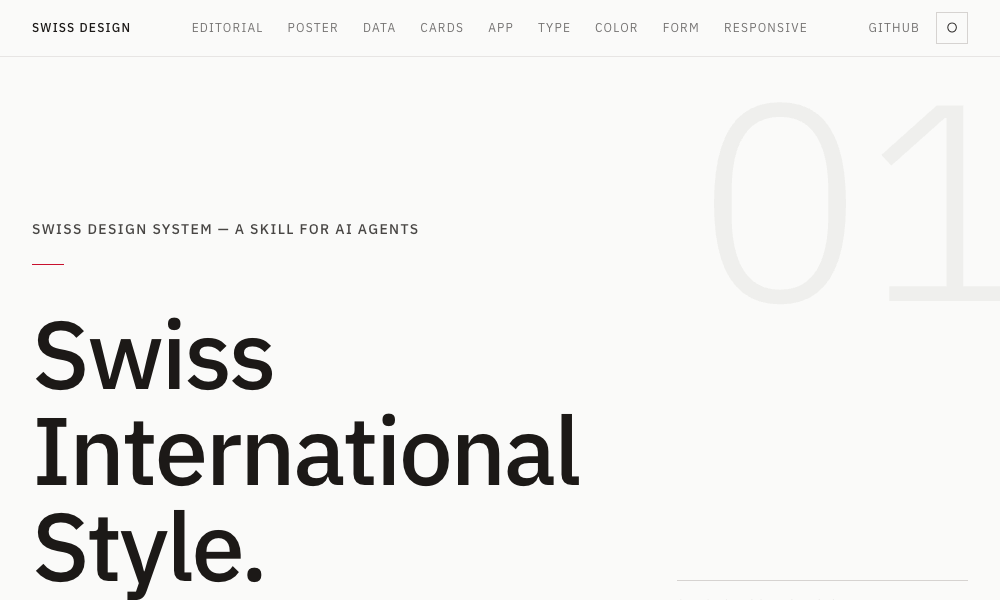
2. Swiss Design System Skill: Bringing International Typographic Principles to AI
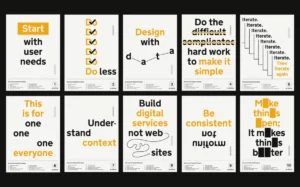
The Swiss Design System Skill injects the principles of the Swiss International Style into AI coding agents. This influential design movement, which emerged in the 1940s and 1950s, is characterized by its emphasis on clarity, readability, and objective communication.
Impact and Functionality:
By integrating this skill, agents learn to adopt a design language that includes:
- Grotesque sans-serif typography: Familiarizing agents with typefaces like Helvetica, Univers, and Neue Haas Grotesk.
- Strict grid systems: Enabling the creation of organized and balanced layouts.
- Generous whitespace: Promoting visual breathing room and clarity.
- Restrained color palettes: Focusing on a functional and unobtrusive use of color.
These principles are translated into practical application through Tailwind CSS utility classes, allowing agents to implement them directly in projects. The skill provides a comprehensive font specimen ranking based on fidelity to the original style, references to grid systems developed by design luminaries like Josef Müller-Brockmann, and insights into the Zurich and Basel schools of design thought.
Installation and Usage:
Installation is straightforward via npx skills add zeke/swiss-design-skill. Developers can then instruct their agents to "build a layout in Swiss International Style," prompting the agent to automatically apply grid discipline, select appropriate grotesque typefaces, and ensure ample spacing around content. This skill is ideal for landing pages, editorial layouts, and any project where clarity and visual hierarchy are paramount over decorative elements.
3. Transitions.dev: Enhancing User Experience with Dynamic UI Animations
Transitions.dev offers a collection of nine essential UI transitions, presented both as a readily accessible showcase and an installable agent skill. These transitions are designed to add polish and interactivity to user interfaces, improving the overall user experience.
Impact and Functionality:
The skill includes pre-built, copy-paste-ready CSS for various dynamic effects, such as:
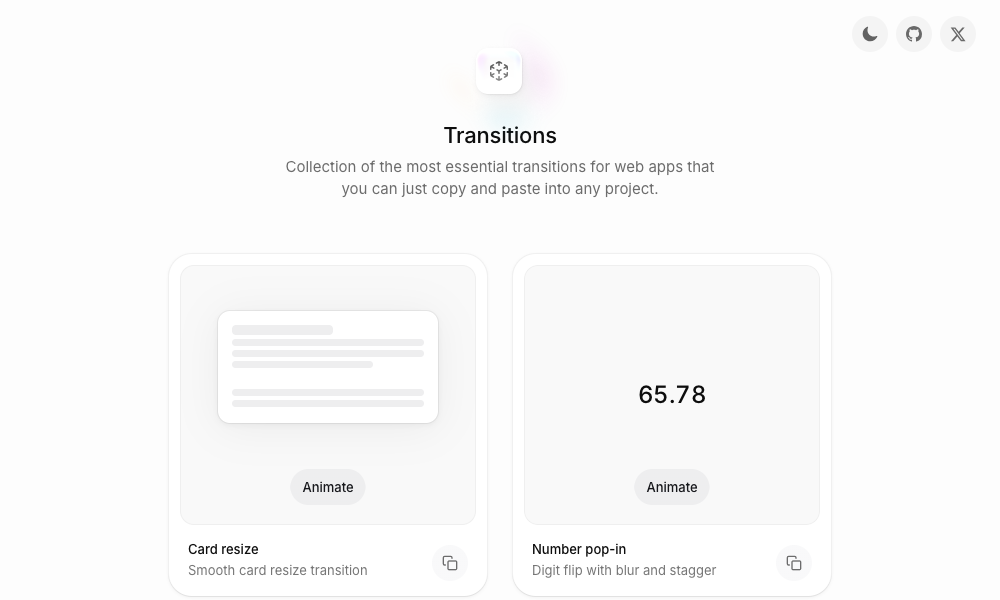
- Card resizing animations.
- Number pop-ins with digit flipping and blurring.
- Diagonal sliding animations for notification badges.
- And many more.
The code generated by agents using this skill directly mirrors the demonstrations on the Transitions.dev showcase site, ensuring consistency and reliability. This skill directly combats the issue of jarring, abrupt UI changes by providing agents with the ability to implement smooth and engaging transitions, for instance, making modals appear with a natural animation rather than instantly materializing.
Installation and Usage:
Developers can integrate this skill by cloning the repository from GitHub or by referencing it directly. When developers request specific transition patterns, the agent can apply the pre-optimized CSS code, significantly reducing the manual effort required to implement these UI enhancements.
4. DESIGN.md Directory: A Centralized Hub for AI-Readable Design Systems
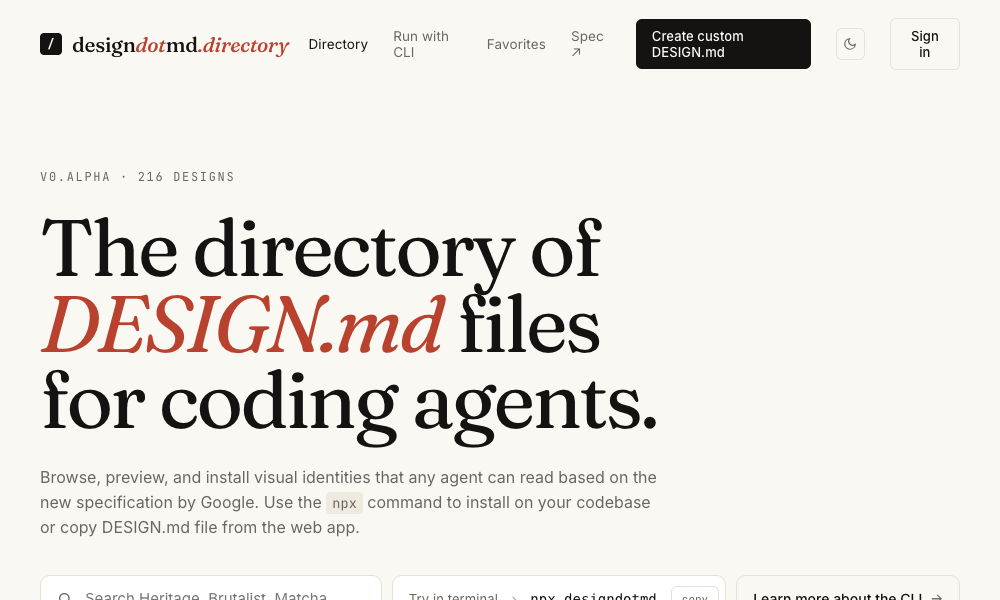
The DESIGN.md Directory serves as a curated repository of design systems specifically formatted for AI coding agents. Each entry within the directory is a markdown file detailing a complete design system, encompassing color palettes, typography rules, spacing methodologies, component specifications, and layout principles.
Impact and Functionality:
This approach offers a low-friction way to integrate comprehensive design languages into AI workflows. Developers can:
- Browse the directory to find a design system that aligns with their project’s aesthetic.
- Copy the markdown file and place it within their project as a
DESIGN.mdfile. - Allow the AI agent to automatically read and apply the specified design language across all generated elements, from individual buttons to full-page layouts.
Installation and Usage:
The primary advantage of this skill is its minimal setup requirement. It bypasses the need for CLI commands, npm installations, or complex configuration. Simply placing the DESIGN.md file in the project’s root directory is sufficient for the agent to recognize and adopt the design system. This makes it an exceptionally accessible option for quick integration of predefined design aesthetics.
5. Agents with Taste: Embodying Design Philosophy in Code
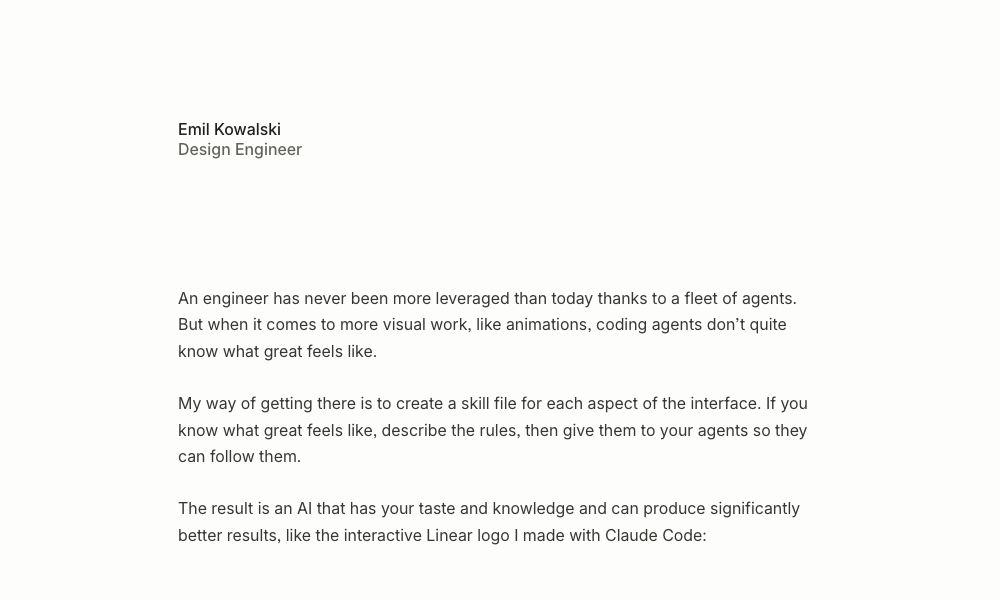
Developed by Emil Kowalski, Agents with Taste is an installable design engineering skill that encapsulates a comprehensive design philosophy. It covers critical aspects of UI/UX design, including animation principles, component design, selection of easing curves, duration guidelines, typography rules, and practical insights drawn from Kowalski’s open-source projects.
Impact and Functionality:
This skill provides AI agents with a robust framework for making design decisions:
- Practical tips table: A structured resource for design best practices.
- Easing decision flowchart: Guides agents in selecting the most appropriate easing curve based on contextual cues.
- Duration guidelines: Specifies optimal animation durations for micro-interactions (100-150ms) and modals (200-300ms).
- Strict typography rules: Includes guidelines like capping body text line length at 65 characters for enhanced readability.
The skill allows agents to automatically apply Emil Kowalski’s personal design philosophy when tasked with improving animations or designing components. Furthermore, it utilizes Anthropic’s skill-creator to enable users to package their own design preferences into similar skill files.
Installation and Usage:
Installation is achieved via npx skills add emilkowalski/skill. Developers can then prompt their agents to "improve an animation" or "design a component," and the skill will be applied automatically. This empowers agents to go beyond generic design patterns and adopt a more refined and intentional aesthetic.
6. Hue: Brand-Centric Design System Generation
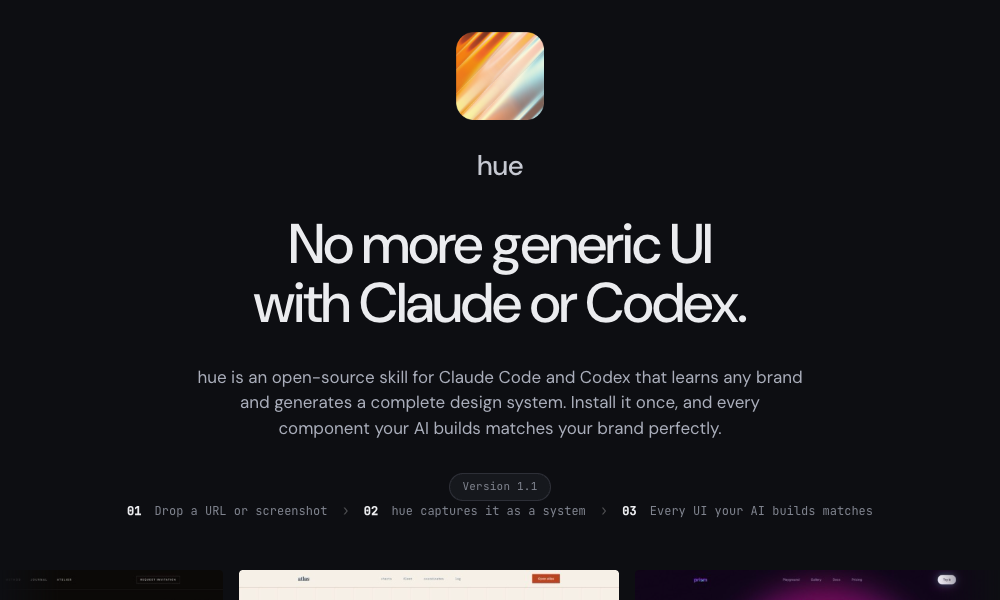
Hue is an open-source skill by Dominik Martin designed to learn and replicate existing brand identities. The application can generate a complete design system—including color tokens, typography, spacing, components, and dark mode support—from a provided URL, brand name, or screenshot.
Impact and Functionality:
Hue offers a powerful solution for maintaining brand consistency across AI-generated projects:
- Brand learning: Analyzes input to extract brand elements from websites or images.
- Comprehensive design system output: Generates all necessary design tokens and specifications.
- Example brands: Includes 17 pre-built examples, showcasing diverse brand archetypes like "Atlas" (ivory engineering, classical maritime) and "Velvet" (noir editorial fragrance house). Each example comes with a
design-model.yamland alanding-page.htmlfor demonstration.
Installation and Usage:
The skill can be installed by cloning the GitHub repository: git clone https://github.com/dominikmartn/hue ~/.claude/skills/hue. Users can then instruct their agents with prompts like "Make a design skill from cursor.com" or "Create a design language inspired by Raycast." The agent will then guide the user through the analysis and generation process. This skill is invaluable for projects that need to adhere strictly to an established brand identity.
7. Refero Styles: Visual Search for Design Inspiration and Implementation
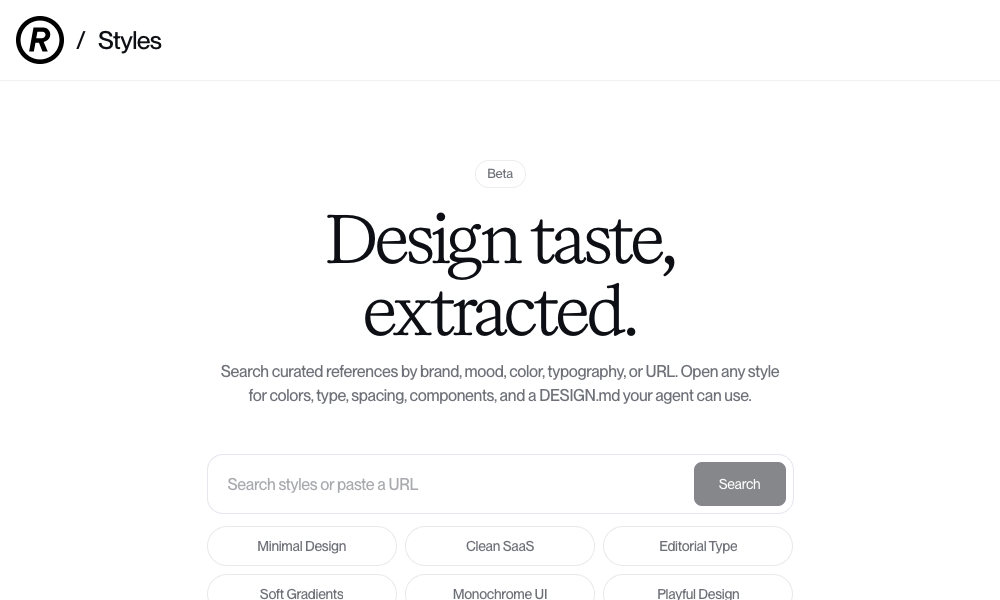
Refero Styles functions as a visual search engine for design references and integrates as an agent skill. It allows users to search for design inspiration based on brand, mood, color, typography, or by providing a URL.
Impact and Functionality:
For each search result, Refero provides a detailed style breakdown, including:
- Color palettes.
- Typography specifications.
- Spacing systems.
- Component designs.
- A
DESIGN.mdfile that the AI agent can directly utilize.
The underlying technology grants agents access to a vast library of over 150,000 real app screens and 6,000 user flows from prominent products like Stripe, Linear, Notion, and Figma. Refero also offers an MCP server that directly connects agents to its reference library, enabling them to pull real-world interface patterns on demand during development.
Installation and Usage:
Users can search for a desired style, open any result, and copy its DESIGN.md file into their project. The AI agent will then instantly adopt that design language. This provides a practical way to leverage proven design patterns and aesthetics from leading digital products.
8. TypeUI Design Skills: A Diverse Collection for AI Agents
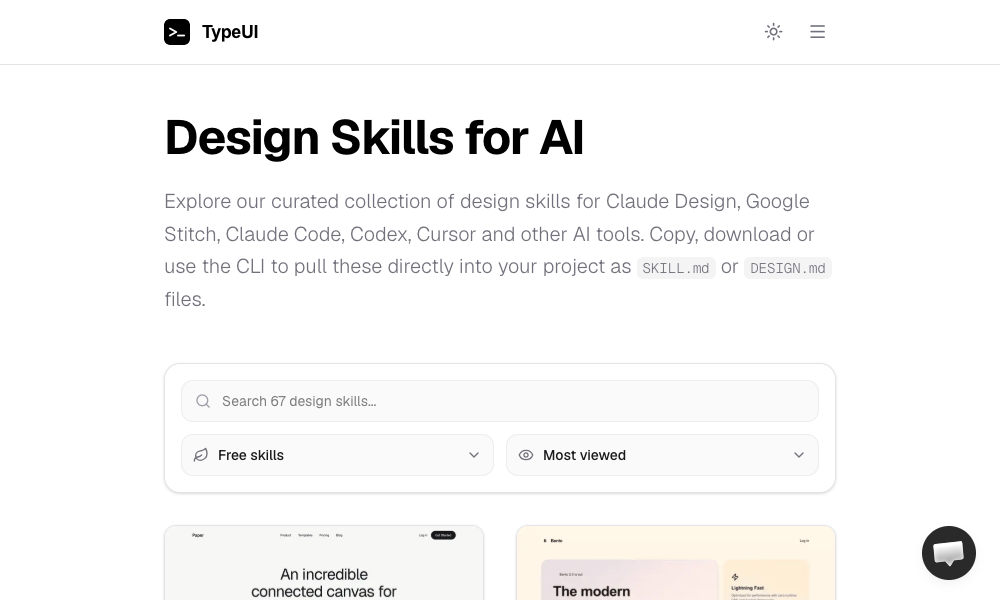
TypeUI Design Skills offers a broad collection of design skills tailored for various AI platforms, including Claude Design, Google Stitch, Claude Code, Codex, and Cursor. Each skill is an optimized SKILL.md or DESIGN.md file that imbues an AI agent with a specific design style.
Impact and Functionality:
The TypeUI platform provides a gallery of design styles that users can explore and integrate:
- Browse and select: Users can find a visual style that appeals to them.
- Multiple integration options: Styles can be copy-pasted, downloaded, or installed via a CLI.
- OpenClaw support: These skills are also compatible with local AI agents running on OpenClaw.
Installation and Usage:
Installation can be performed using the command npx typeui.sh pull [name]. Developers can then browse the gallery, select a design, and pull it into their project. From that point onward, the agent will generate all code adhering to the chosen aesthetic. This offers a flexible and accessible way to apply a wide range of design looks to AI-generated projects.
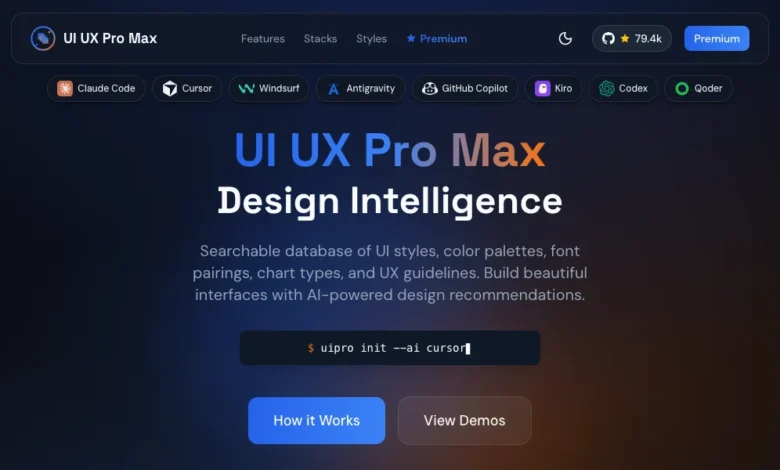
9. UI/UX Pro Max Skill: Comprehensive Design System Generation
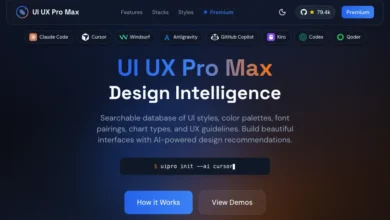
UI/UX Pro Max is a robust design skill featuring 161 reasoning rules and 67 distinct UI styles. Its core functionality is the Design System Generator, which, based on a project description, can construct a complete design system.
Impact and Functionality:
The Design System Generator produces:
- Layout patterns.
- Color schemes.
- Typography rules.
- Effect guidelines.
- Lists of elements to avoid.
This skill supports multiple frameworks and stacks, including HTML with Tailwind CSS, React, and Next.js. It is compatible with VS Code agents such as Claude Code, Cursor, Windsurf, Copilot, and Codex. The skill also includes a search script for finding design references by query and domain.
Installation and Usage:
Installation can be done either by running npx ui-pro init within a project directory or by installing the uipro-cli globally via npm install -g uipro-cli. Users can describe their project, for instance, "a premium tour booking app," and the generator will propose a complete design system. This is positioned as the most comprehensive option for those seeking a single skill to manage the entire design system workflow, from initial requirements analysis to component output.
10. AI UX Playground: Specializing in AI Product User Experience
AI UX Playground focuses on a niche but increasingly important area: AI-specific UX design patterns. This library documents patterns for products like ChatGPT, Claude, Perplexity, and Cursor.
Impact and Functionality:
Each pattern is meticulously documented with:
- Examples: Illustrative use cases from real AI products.
- Use cases: Explanations of when and why a pattern is effective.
- Platform-specific instructions: Guidance on how to apply patterns within various AI tools like ChatGPT, Claude, Google Gemini, and Cursor.
Usage:
Developers can browse the pattern library, identify the required UX pattern, and follow the provided platform-specific instructions for implementation. While this skill is less focused on visual polish and more on the functional and intuitive interaction design of AI-powered products, it plays a crucial role in ensuring AI applications are user-friendly and effective.
The Shifting Paradigm: Design Knowledge as Executable Rules
The emergence and proliferation of AI skills for design represent a fundamental shift in how design knowledge is conceptualized and applied. Historically, design principles were documented in static guides, style manuals, and design systems intended for human interpretation. Now, with AI skills, this knowledge is being transformed into executable rules that AI agents can directly process and implement.
This transition has profound implications for the future of design and development. Designers who can effectively translate their expertise into these executable formats—by creating or adapting AI skills—will play a pivotal role in shaping the AI-generated digital experiences of tomorrow. As the article suggests, the current landscape of AI design skills is still in its nascent stages, with potential "rough edges." However, the direction is clear: design is becoming an active, programmable component of the AI development process. The tools and skills discussed here offer a starting point for designers and developers to explore this new frontier, experiment with AI agents’ design capabilities, and contribute to the evolution of AI-assisted creativity. The ability to imbue AI agents with taste and a sophisticated understanding of design is no longer a distant aspiration but an increasingly tangible reality, poised to redefine how we build and experience digital products.