The landscape of artificial intelligence in software development is rapidly evolving, with AI coding agents now capable of generating functional code with remarkable speed and efficiency. However, a significant challenge has persisted: the aesthetic quality of the output. While these agents can produce code that works, it often lacks the nuanced design sensibilities that elevate a product from merely functional to truly engaging. The default aesthetic, characterized by predictable color palettes, generic typography, and uninspired layouts, reflects a fundamental limitation – AI agents, by their nature, lack an inherent sense of taste or design intuition. This gap is now being bridged by the emergence of "AI skills," a novel approach that imbues these agents with specific design languages and principles, transforming them from mere code generators into sophisticated design collaborators.
The concept of AI skills, primarily delivered as markdown files, is revolutionizing how developers and designers interact with AI coding tools. These skills can be integrated into popular AI agents such as Claude Code, Codex, and Cursor, as well as any agent that supports this extensible framework. By installing these design-focused skills, users can effectively "teach" their AI agents specific design methodologies, ranging from the rigorous grid systems of Swiss design to the perceptually uniform color science of OKLCH. This advancement signifies a critical step towards AI-assisted design, where the creative process becomes a more synergistic partnership between human intention and artificial intelligence.
This article explores a curated selection of these impactful AI design skills and directories, highlighting their potential to significantly enhance the design vocabulary of AI agents and, by extension, the quality and aesthetic appeal of the code they produce.
Bridging the Aesthetic Divide: The Rise of AI Design Skills
The genesis of AI coding agents was rooted in their ability to automate repetitive coding tasks and accelerate development cycles. Tools like GitHub Copilot, launched in beta in 2021, demonstrated the potential for AI to suggest lines or blocks of code in real-time, significantly boosting developer productivity. By 2023, the capabilities had advanced to agents that could generate entire functions or even small applications based on natural language prompts. However, a consistent observation across these platforms was the tendency for generated user interfaces to exhibit a generic, albeit functional, aesthetic. This often manifested as a reliance on default UI element styles, a limited color palette, and a lack of cohesive visual hierarchy.
The problem wasn’t necessarily a flaw in the AI’s coding logic, but rather its inability to grasp subjective design principles. Aesthetics, deeply rooted in human perception, cultural context, and emotional response, are notoriously difficult to quantify and translate into algorithmic rules. Early AI-generated interfaces often fell into what could be termed "design by checklist" – ticking boxes for responsiveness, accessibility, and basic layout structure, but failing to imbue the design with character, brand identity, or a compelling user experience. This led to a growing demand for solutions that could inject design intelligence into the AI’s workflow.
The introduction of AI skills represents a significant architectural shift. Instead of requiring the AI to learn all design principles from scratch or relying on a monolithic, pre-trained model, skills allow for modular, domain-specific knowledge to be injected. This approach is akin to providing a human designer with a style guide, a set of best practices, or a specialized toolkit. The markdown format for these skills is particularly advantageous due to its widespread adoption in documentation and its human-readable nature, making it accessible for both AI agents and developers to understand and implement.
Spotlight on Design Skills: Enhancing AI’s Aesthetic Capabilities
The following AI skills and directories offer developers and designers powerful new ways to guide AI agents toward producing aesthetically superior code. Each skill brings a distinct set of design principles and tools, allowing for tailored application across various project needs.
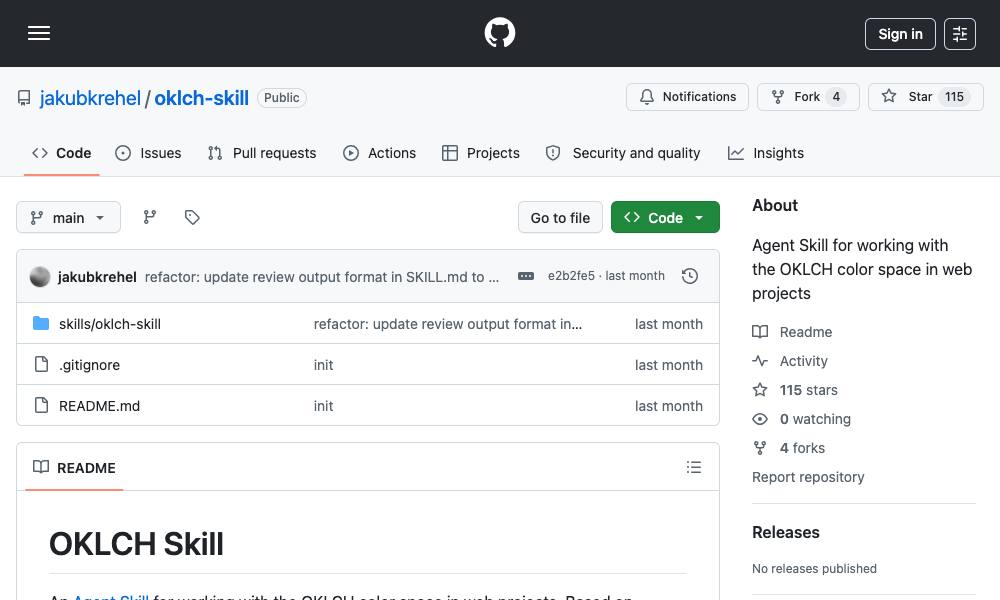
1. OKLCH Color Skill: Precision in Perceptual Color
The OKLCH Color Skill addresses a fundamental aspect of visual design: color. Traditional color spaces like RGB and HSL, while effective for display, often lead to undesirable visual artifacts when manipulated programmatically. HSL, for instance, can suffer from "hue drift," where changing the lightness or saturation of a color can unintentionally alter its perceived hue, leading to jarring transitions and inconsistent palettes.
OKLCH (Oklab Lightness, Chroma, Hue) is a perceptually uniform color space. This means that the numerical distance between two colors in OKLCH corresponds more closely to how humans perceive the difference between those colors. This property is invaluable for AI agents, enabling them to generate color scales, adjust lightness for dark modes, and ensure sufficient contrast with predictable and visually pleasing results.
Key Features and Benefits:
- Perceptual Uniformity: Eliminates hue drift, ensuring consistent color relationships across scales.
- Predictable Palette Generation: Generates harmonious color scales (e.g., from 50 to 950) that maintain visual coherence.
- Intelligent Dark Mode Conversion: Derives accurate and pleasing dark mode colors through precise lightness manipulation.
- Accessibility Compliance: Facilitates contrast checking against Web Content Accessibility Guidelines (WCAG 2) and Accessible Platform Components Architecture (APCA) standards, crucial for inclusive design.
- Tailwind CSS Integration: Enables the creation of Tailwind v4 themes with correctly implemented OKLCH color tokens.
Installation and Usage:
The skill can be installed via the command line: npx skills add jakubkrehel/oklch-skill. Once installed, it can be invoked using /oklch-skill or by simply describing color-related tasks. The agent is designed to automatically activate the skill when it encounters color manipulation or generation tasks.
This skill is particularly beneficial for projects that utilize custom design tokens or for developers who struggle with AI-generated color palettes that appear inconsistent, especially when transitioning between light and dark themes.
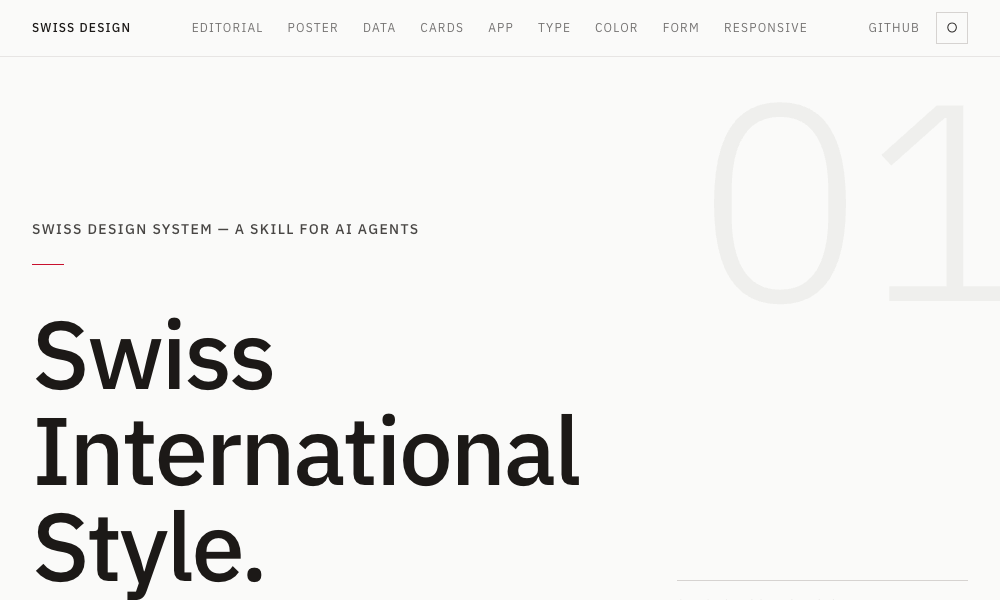
2. Swiss Design System Skill: Embracing Clarity and Structure
The Swiss Design System Skill brings the principles of the Swiss International Style, a globally influential design movement, to AI agents. This style is characterized by its emphasis on clarity, legibility, and objective presentation.
Key Features and Benefits:
- Typography: Promotes the use of grotesque sans-serif fonts such as Helvetica, Univers, and Neue Haas Grotesk, known for their clean and neutral appearance.
- Grid Systems: Enforces strict grid systems, providing a structured and organized framework for layouts, reminiscent of the work of Josef Müller-Brockmann.
- Whitespace: Encourages generous use of whitespace, enhancing readability and creating a sense of calm and focus.
- Restrained Color Palettes: Advocates for a limited and deliberate use of color, prioritizing content and structure over decorative elements.
- Tailwind CSS Implementation: Integrates these principles through standard Tailwind CSS utility classes, making them readily applicable in web development.
- Design Fidelity: Includes a font specimen ranking for accuracy to the original style and references grid systems from influential figures in Swiss design.
Installation and Usage:
Installation is straightforward: npx skills add zeke/swiss-design-skill. Users can then instruct their AI agent to build layouts in the Swiss International Style, and the agent will automatically apply the associated grid discipline, typography rules, and spacing guidelines.
This skill is ideal for landing pages, editorial layouts, and any project where clear visual hierarchy, readability, and a professional, uncluttered aesthetic are paramount.
3. Transitions.dev: Injecting Dynamic User Experiences
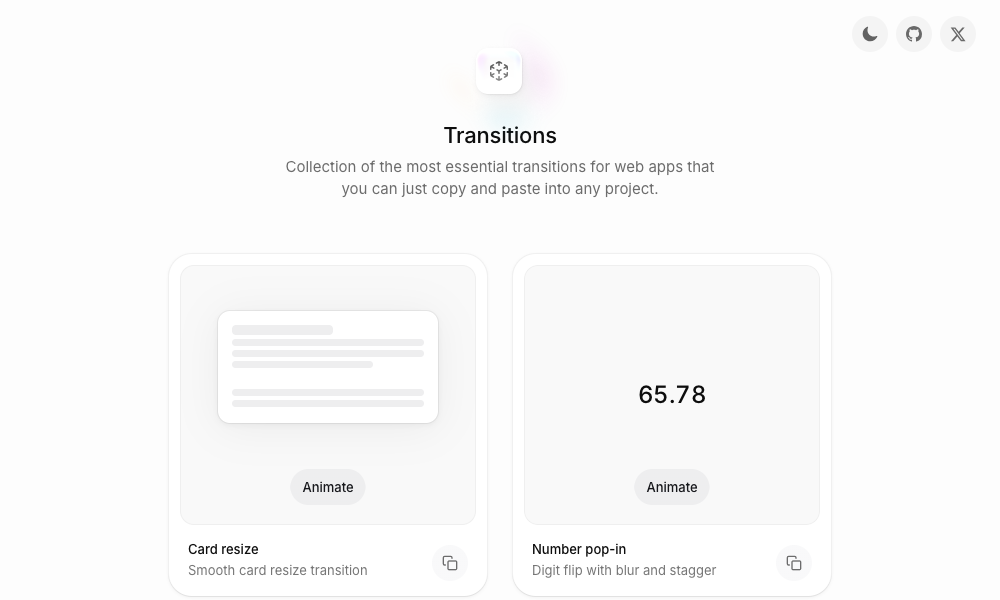
User interface animations and transitions are critical for creating fluid and engaging user experiences. The Transitions.dev skill provides a comprehensive library of nine essential UI transitions, readily available for AI agents to implement.
Key Features and Benefits:
- Diverse Transition Library: Covers a range of common UI interactions, including card resizing, number pop-ins (with digit flipping and blurring effects), and notification badge animations.
- Ready-to-Use CSS: Each transition is accompanied by pre-written, optimized CSS code that AI agents can directly integrate into projects.
- Code Consistency: The skill is derived directly from the showcase site’s
index.html, ensuring that the code generated by the agent precisely matches the demonstrated transitions. - Problem Solving: Directly addresses the issue of AI agents producing modals or other UI elements that appear or disappear abruptly without any visual feedback.
Installation and Usage:
Developers can clone the repository from github.com/Jakubantalik/transitions.dev or reference the skill directly. When prompting the AI agent, mentioning specific transition patterns will trigger the application of the pre-optimized CSS.
This skill is invaluable for projects aiming to enhance user engagement through subtle yet effective animations, providing a polished feel to interactive elements.
4. DESIGN.md Directory: A Centralized Hub for Design Systems
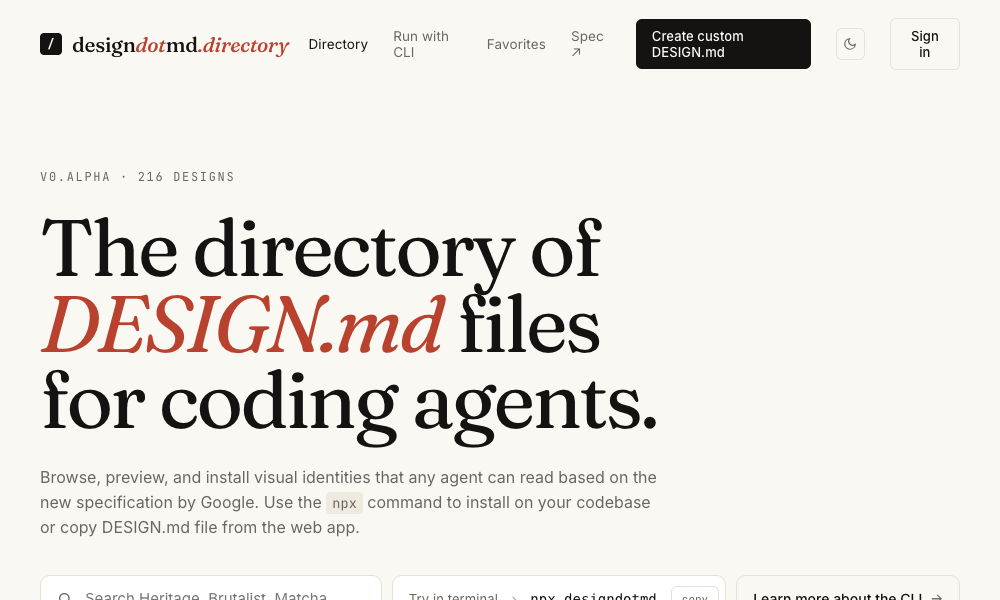
The DESIGN.md Directory offers a decentralized yet highly accessible approach to integrating design systems with AI agents. It serves as a curated collection of DESIGN.md files, each meticulously defining a complete design system.
Key Features and Benefits:
- Comprehensive Design Definitions: Each markdown file outlines critical design elements, including color palettes, typography rules, spacing systems, component specifications, and layout principles.
- Aesthetic Variety: The directory features a range of design systems, allowing users to select a style that aligns with their project’s aesthetic requirements.
- Low-Friction Integration: The integration process is remarkably simple: users locate a desired design system, copy its
DESIGN.mdcontent, and place it as aDESIGN.mdfile within their project’s root directory. The AI agent automatically recognizes and applies this file without further configuration. - Direct Application: AI agents read the
DESIGN.mdfile and apply the specified design language across all generated elements, from individual buttons to entire page layouts.
Usage:
The primary method of use involves browsing the directory, selecting a suitable design system, and copying its corresponding DESIGN.md file into the project’s root. This approach eliminates the need for CLI commands or complex installation procedures, making it exceptionally user-friendly.
This option is ideal for those seeking the simplest integration method, allowing for rapid adoption of pre-defined design languages by AI agents.
5. Agents with Taste: Codifying Design Philosophy
Agents with Taste, developed by Emil Kowalski, is an installable design engineering skill designed to imbue AI agents with a sophisticated understanding of modern UI/UX principles.
Key Features and Benefits:
- Holistic Design Principles: Covers a broad spectrum of design considerations, including animation, component design, easing curves, duration guidelines, and typography.
- Practical Guidance: Includes a table of actionable tips and a decision flowchart for selecting appropriate easing curves based on context, ensuring smooth and natural motion.
- Duration Standards: Provides clear guidelines for animation durations, ranging from micro-interactions (100-150ms) to modals (200-300ms), ensuring consistency and appropriateness.
- Typography Rules: Enforces strict typography rules, such as limiting body text line length to approximately 65 characters for optimal readability.
- Open-Source Methodology: The skill’s methodology is open-source, and the accompanying
skill-creatorfrom Anthropic allows users to package their own design philosophies into similar skill files.
Installation and Usage:
Installation is performed using: npx skills add emilkowalski/skill. Users can then prompt the agent to refine animations or design components, and the skill will automatically apply Emil Kowalski’s established design philosophy.
This skill is particularly useful for developers looking to incorporate refined animation principles and robust typography standards into their AI-generated designs, leading to more polished and professional interfaces.
6. Hue: Brand-Centric Design System Generation
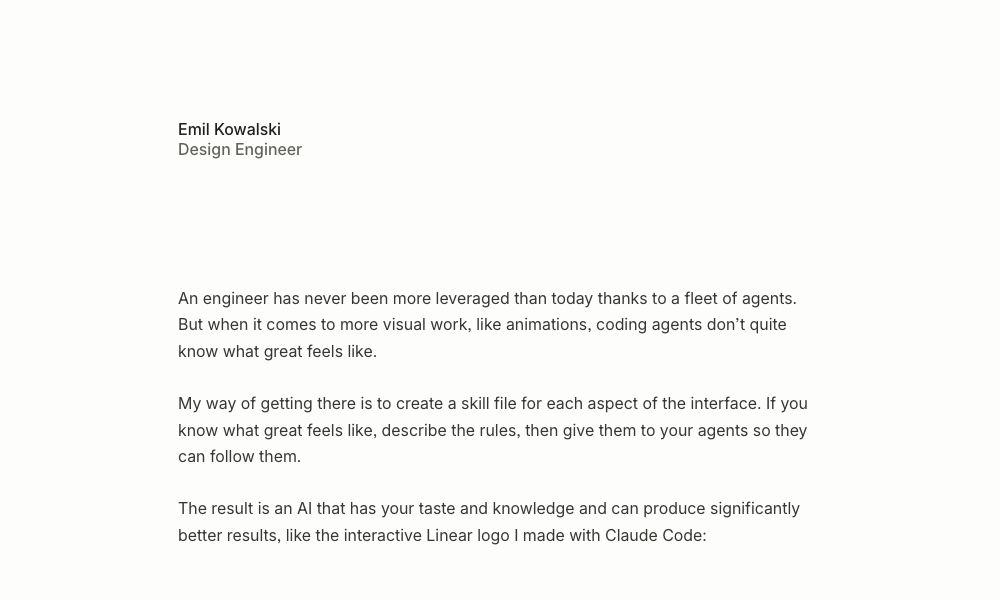
Hue by Dominik Martin is an innovative open-source skill that empowers AI agents to learn and replicate brand identities. It can derive a complete design system from a provided URL, brand name, or even a screenshot.
Key Features and Benefits:
- Brand Learning: Analyzes existing brands (e.g., Cursor.com, Raycast) to extract their core design elements.
- Comprehensive Design System Output: Generates a full design system including color tokens, typography scales, spacing rules, component definitions, dark mode support, and icon recommendations.
- Pre-built Brand Examples: Comes with 17 curated examples of design systems derived from diverse brands, such as "Atlas" (evoking classical maritime themes) and "Velvet" (representing a noir editorial fragrance house).
- Integrated Showcase: Each example includes a
design-model.yamland alanding-page.htmlto demonstrate the rendered design system.
Installation and Usage:
Installation involves cloning the repository: git clone https://github.com/dominikmartn/hue ~/.claude/skills/hue. To use the skill, users prompt the agent with requests like "Make a design skill from cursor.com" or "Create a design language inspired by Raycast." The agent then guides the user through the analysis and generation process.
Hue is an indispensable tool for projects requiring strict adherence to existing brand guidelines, ensuring consistency across all AI-generated design elements.
7. Refero Styles: Visual Search for Design Inspiration
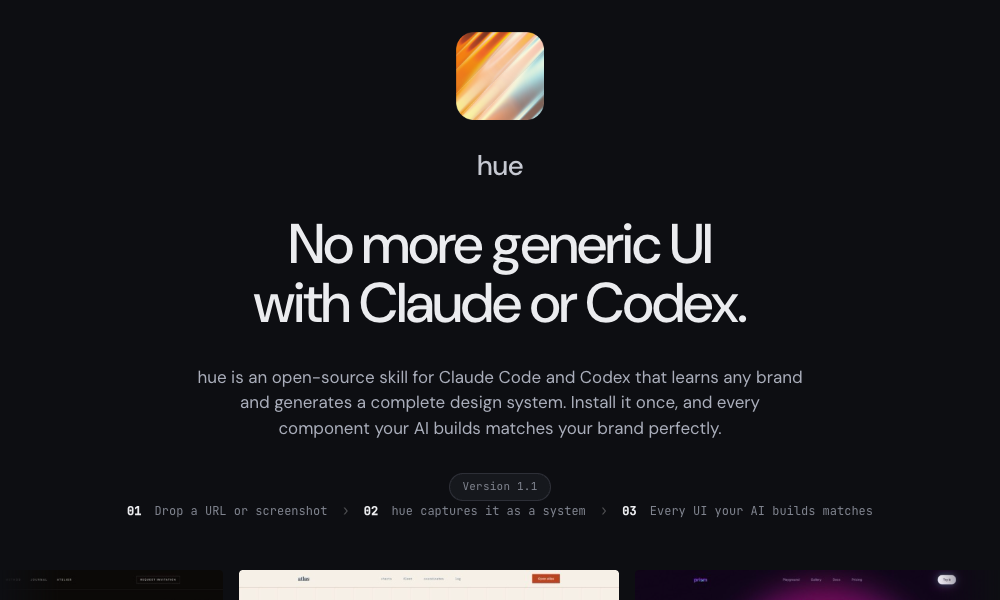
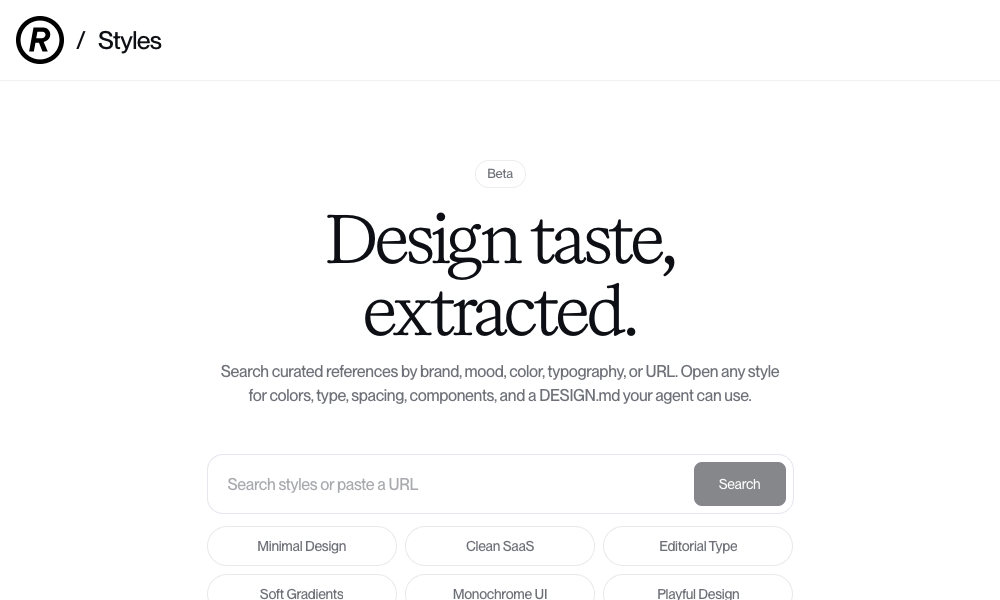
Refero Styles functions as a visual search engine for design references and integrates as an AI agent skill. It provides access to an extensive library of real-world interface patterns and user flows.
Key Features and Benefits:
- Multi-faceted Search: Allows users to search for design inspiration by brand, mood, color, typography, or by pasting a URL.
- Detailed Style Breakdowns: For each search result, Refero provides a comprehensive breakdown of colors, typography, spacing, and components, often accompanied by a
DESIGN.mdfile. - Vast Reference Library: Offers access to over 150,000 real app screens and 6,000+ user flows from prominent products like Stripe, Linear, Notion, and Figma.
- Direct
DESIGN.mdIntegration: The providedDESIGN.mdfiles can be directly copied into a project, allowing the AI agent to instantly adopt the referenced design language. - MCP Server Integration: Refero also offers an MCP server that connects AI agents directly to its reference library, enabling on-demand retrieval of interface patterns during development.
Usage:
Users search for styles matching their project needs, open the results, and copy the associated DESIGN.md file into their project. The AI agent then seamlessly adopts this design language.
Refero Styles is exceptionally valuable for designers seeking inspiration and a rapid way to incorporate proven interface patterns into their AI-generated designs.
8. TypeUI Design Skills: A Gallery of Stylistic Options
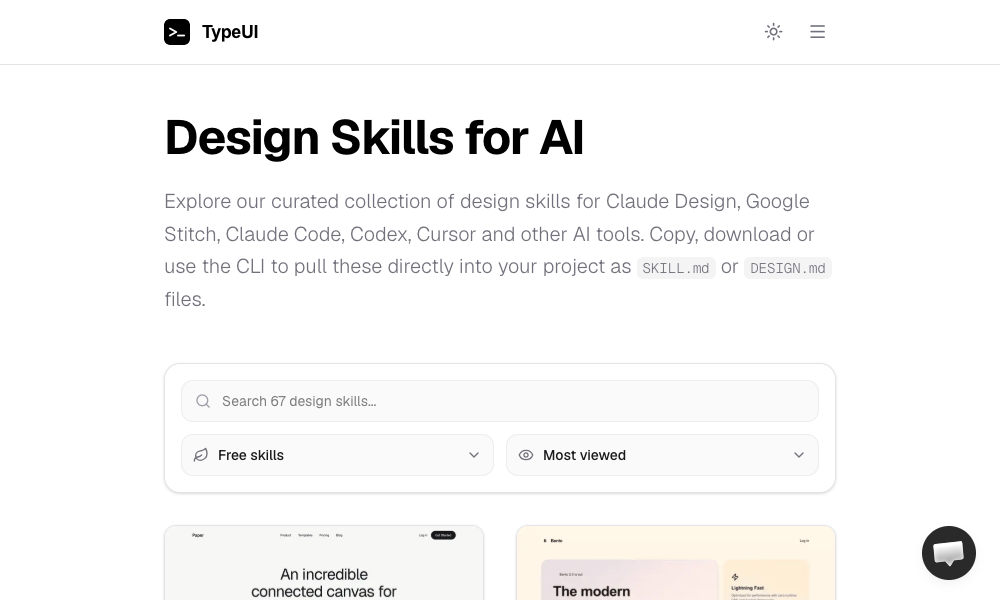
TypeUI Design Skills offers a diverse collection of design skills specifically optimized for various AI coding tools, including Claude Design, Google Stitch, Claude Code, Codex, and Cursor.
Key Features and Benefits:
- Optimized Skill Files: Each skill is provided as an optimized
SKILL.mdorDESIGN.mdfile, ensuring efficient integration and application by AI agents. - Browseable Gallery: Features a gallery of design styles, allowing users to visually select a look and feel that aligns with their project requirements.
- Flexible Integration: Users can choose to copy-paste the file content, download the skill file, or utilize their command-line interface (CLI) for installation.
- Local Agent Support: Supports OpenClaw agents, making these skills readily usable for developers running AI agents locally.
Installation and Usage:
Installation can be done via the CLI: npx typeui.sh pull [name]. Users browse the gallery, select a design, pull it into their project, and the AI agent then proceeds to build elements based on the chosen aesthetic.
TypeUI Design Skills provides a convenient and visual way to access a wide array of design styles, making it easy to apply a specific aesthetic to AI-generated code.
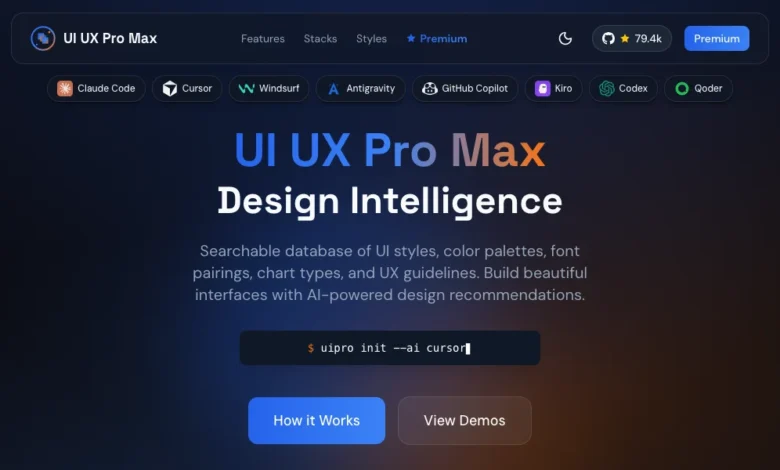
9. UI/UX Pro Max Skill: Comprehensive Design System Generation
The UI/UX Pro Max Skill is a robust and feature-rich design skill boasting 161 reasoning rules and 67 distinct UI styles. Its standout feature is the Design System Generator.
Key Features and Benefits:
- Design System Generator: Users describe their project, and the generator produces a complete design system encompassing layout patterns, color schemes, typography, effects, and a list of elements to avoid.
- Multi-Framework Support: Compatible with various frameworks and stacks, including HTML + Tailwind, React, and Next.js.
- IDE Integration: Works seamlessly with VS Code agents like Claude Code, Cursor, Windsurf, and Copilot.
- Search Functionality: Includes a script for searching design references by query and domain, aiding in inspiration and validation.
Installation and Usage:
Installation can be done either by running npx ui-pro init within a project or by installing the CLI globally with npm install -g uipro-cli. To use it, users describe their project (e.g., "a premium tour booking app"), and the generator proposes a complete design system.
This skill represents the most comprehensive option for those seeking an end-to-end solution for design system generation, from initial project requirements to the output of UI components.
10. AI UX Playground: Specializing in AI Product UX
The AI UX Playground focuses on a niche but increasingly important area: user experience (UX) design patterns specifically for AI-powered products.
Key Features and Benefits:
- AI-Specific Patterns: Documents UX design patterns relevant to conversational AI interfaces such as ChatGPT, Claude, Perplexity, and Cursor.
- Platform-Specific Guidance: Provides detailed instructions on how to apply these patterns across different AI platforms, including ChatGPT, Claude, Google Gemini, and Cursor.
- Real-World Examples: Each pattern is illustrated with examples drawn from actual AI products, offering practical insights.
- Implementation Tips: Offers advice for integrating these patterns into custom AI tooling.
Usage:
Users browse the pattern library, identify the required UX pattern, and follow the platform-specific instructions for implementation.
While less focused on visual polish, the AI UX Playground is invaluable for developers building AI-native applications who need to ensure an intuitive and effective user experience tailored to the unique interaction paradigms of AI products.
The Future of Design: Executable Rules and Designer Agency
The advent of AI design skills marks a profound shift in how design knowledge is conceptualized and applied. Historically, design principles were encapsulated in static documents—style guides, design systems, and best practice manuals—that required human interpretation and manual implementation. Now, this knowledge is transforming into executable rules that AI agents can directly process and apply.
This evolution places designers at the forefront of shaping the future of AI-assisted development. Designers who can articulate their creative vision and technical requirements in a way that can be translated into these executable AI skills will wield significant influence over the aesthetic and functional output of AI agents. The ability to define, refine, and deploy these skills will become a critical competency, enabling designers to not only guide AI but also to imbue AI-generated products with unique brand identities and compelling user experiences.
The tools and skills highlighted here represent the nascent stages of this transformation. While some "rough edges" may still exist, the trajectory is clear: AI skills are democratizing sophisticated design principles and empowering a new generation of AI-powered creative tools. For designers and developers alike, the call to action is to engage with these emerging technologies, experiment with the available skills, and begin crafting the design languages that will define the digital products of tomorrow. By installing and experimenting with even a single skill from this list, users can witness firsthand the tangible difference it makes in the output of their AI coding agents, a testament to the growing synergy between artificial intelligence and aesthetic intelligence.